The short version: most users can expect an HP HT03XL (L11119-855) 41.04Wh battery to last about 2–4 years of everyday use before capacity loss becomes noticeable. In cycle terms, many Li-ion laptop packs reach around ~80% of original capacity after roughly 300–500 full charge cycles. Heat, workload, and charging habits can push your result higher or lower.
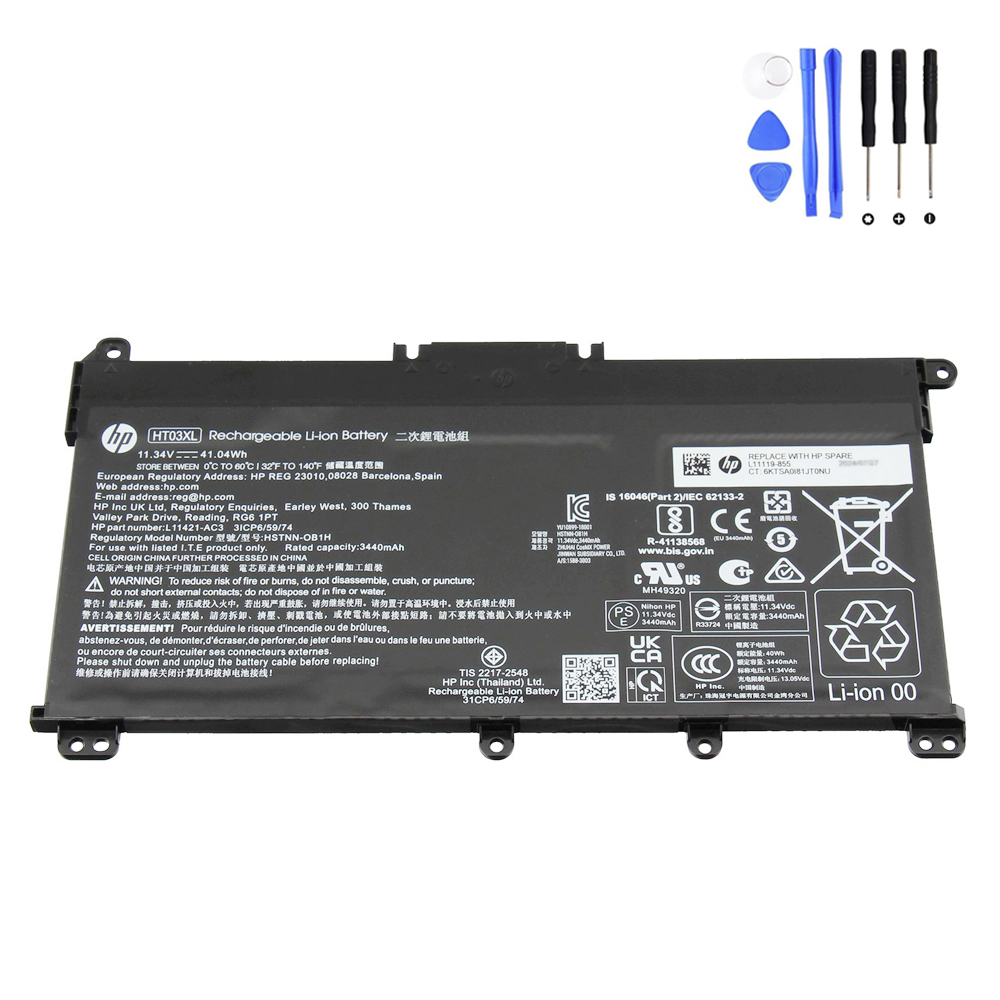
Quick answer
- Typical lifespan: 2–4 years in normal office/school use.
- Cycle life to ~80%: usually ~300–500 full cycles (one “full cycle” = 100% of capacity used, not necessarily in one go).
- What shortens life: high temperatures, constant heavy loads, frequent 0–100% swings, storage at 0% or 100% for long periods.
Cycle use vs. expected years (rule-of-thumb)
| Usage pattern | Full-cycle equivalents / week | Time to ~80% capacity |
|---|---|---|
| Light (mainly plugged, occasional battery use) | ~0.3–0.6 | 3–5+ years |
| Moderate (daily battery for classes/meetings) | ~1.0 | 2–4 years |
| Heavy (mobile all day, high brightness, many apps) | ~2.0 | 1–2 years |
Estimates vary by device, ambient temperature, and workload. Heat accelerates aging more than almost any other factor.
How to check the current health of your HT03XL
- Open an elevated Command Prompt (right-click CMD → Run as administrator).
- Run:
powercfg /batteryreport /output "%USERPROFILE%\Desktop\battery-report.html"
- Open battery-report.html (on your Desktop) and compare Full Charge Capacity to Design Capacity.
Health % ≈FCC ÷ Design × 100%.
Rule of thumb: When health drops below ~70–75%, runtime reduction is obvious—budget for replacement.
How to make an HT03XL last longer
- Control heat: keep vents clear, clean dust, avoid leaving the laptop in hot cars or on soft surfaces.
- Gentle charging: daily operation in the 20–80% range is kinder than repeated 0–100% swings.
- Occasional calibration: if the gauge is inaccurate, do one full cycle (100% → 10–20% → 100%) every few months.
- Smart storage: if unused for weeks, store around 40–60% in a cool, dry place.
When to replace your battery
- Battery Report shows low health and you can’t meet a normal day’s workload.
- HP diagnostics (UEFI or Support Assistant) returns “Replace” or extended tests fail.
- There is swelling, case lift, chemical smell, or overheating — power down and replace immediately.
Need a replacement?
If your HT03XL is due for retirement, here’s a direct option:
Bottom line: Expect about 2–4 years of useful life (or ~300–500 cycles) from an HT03XL under normal conditions. Keep it cool, avoid extreme charging habits, and check health periodically to decide the right time to replace.