If you’re trying to confirm the correct output specs for a Dell XPS 15 130W charger, the most important detail is that there are two different “130W” charger types used with XPS 15 models:
- 130W barrel (round) charger for XPS 15 models with a DC-in port
- 130W USB-C charger for XPS 15 models that charge via USB-C / Thunderbolt
Both are 130W, but the voltage/amps are different.
1) Correct output specs for Dell XPS 15 130W chargers
| Charger type | Connector | Output (Volts / Amps) | Power |
|---|---|---|---|
| Barrel (classic Dell) | 4.5mm x 3.0mm | 19.5V ⎓ 6.67A | 130W |
| USB-C (USB-PD) | USB-C | 20V ⎓ 6.5A (for full 130W mode) | 130W |
Simple takeaway:
- If your XPS 15 uses the round DC-in port, the correct 130W spec is usually 19.5V / 6.67A.
- If your XPS 15 charges via USB-C, full-power 130W charging is typically 20V / 6.5A (negotiated).
2) Visual reference (with product images)
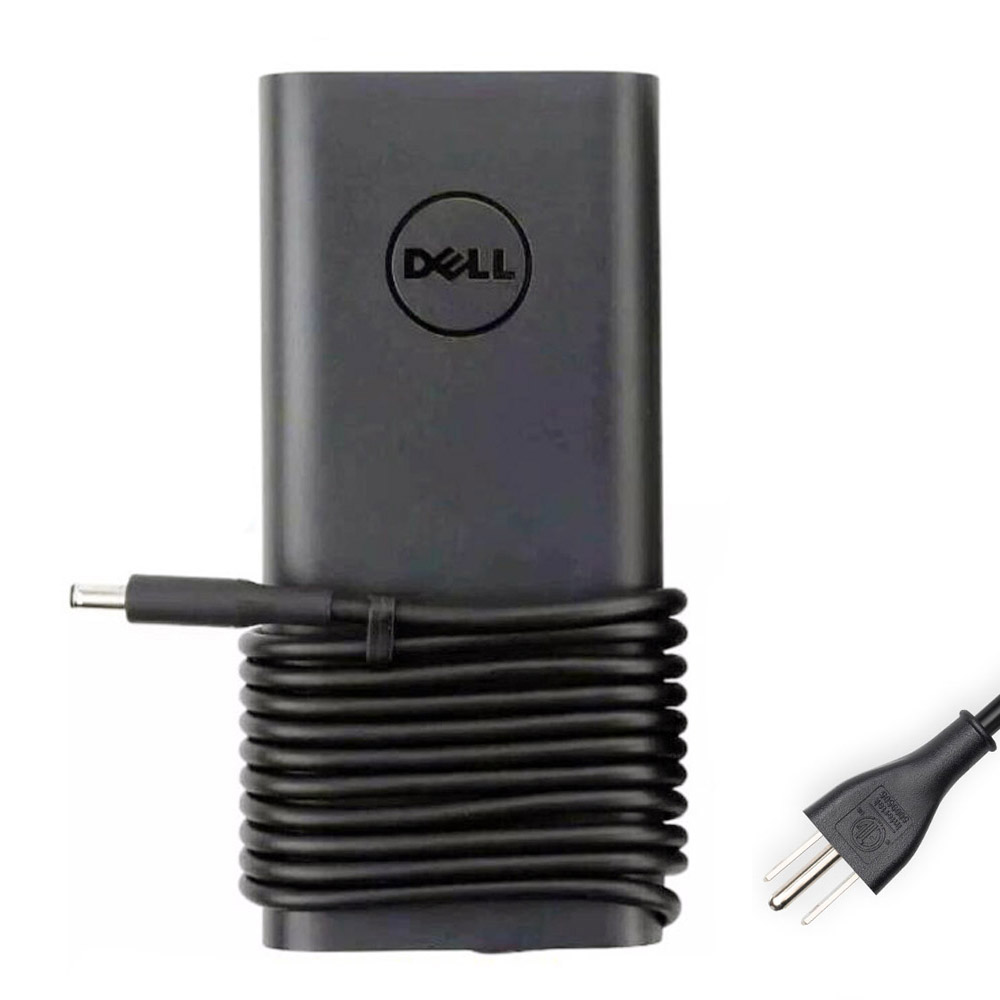
Connector: 4.5mm x 3.0mm

Connector: USB-C
3) How to verify the specs on your existing charger (no guessing)
Look at the label on your adapter brick. You’ll usually see something like:
- OUTPUT: 19.5V ⎓ 6.67A (barrel type), or
- OUTPUT: multiple USB-PD lines (USB-C type), where the highest line is the maximum charging mode.
Important: For USB-C chargers, the adapter may support several output profiles for different devices. What matters for full XPS 15 performance is the highest supported mode (often the one that equals ~130W).
4) Quick compatibility warning (common mistake)
- Don’t match by watts only. “130W” is not enough—your XPS 15 must match the connector type (barrel vs USB-C).
- Using the wrong type can lead to slow charging, charger not recognized, or simply not charging at all.
Need the right 130W replacement?
Tip: match your laptop’s charging port first (round DC-in vs USB-C/Thunderbolt), then match the output spec.