HP OMEN laptops are built differently than thin ultrabooks: higher wattage, more heat, and power spikes during gaming.
That’s why battery behavior on an OMEN can look “worse” even when nothing is technically broken.
The real question is: is your battery actually failing, or are you seeing normal gaming-laptop patterns?
This guide is structured to help you decide fast, confirm battery health in minutes, and then choose the correct replacement
by matching your battery part number (not just searching “OMEN battery”).
Quick decision: is a battery replacement worth it on an HP OMEN?
| What you’re seeing | Worth replacing the battery? | Why OMEN owners notice it |
|---|---|---|
| Battery is swollen (bulge, tight trackpad, bottom cover not flush) | Yes — replace immediately | Heat + age can trigger swelling; it’s a safety issue and can damage the chassis |
| Shuts down above 10–20% or % drops suddenly under load | Usually yes | Gaming power spikes expose weak cells and fuel-gauge drift quickly |
| Very short runtime (e.g., 30–90 minutes doing light work) | Often yes | Even when you game plugged in, a healthy battery matters for stability and portability |
| Battery drains while gaming even when plugged in | Maybe | Often a power-adapter / performance profile issue; battery can also be a contributor if degraded |
| You always play plugged in and battery health seems normal | Not urgent | If no swelling + no shutdowns + reasonable capacity, replacement can wait |
What’s “normal” battery behavior on an OMEN (so you don’t replace it for the wrong reason)
-
OMEN runtime expectations: Gaming laptops are optimized for performance, not all-day battery life.
Expect shorter unplugged time compared to ultrabooks—especially with high refresh displays and dedicated GPUs. -
Heat accelerates wear: OMEN systems run warmer under load. Heat cycles reduce battery capacity over time,
and can make percentage readings less stable. -
Power spikes expose weak batteries: Video calls, games, and creation apps cause sudden power demand.
A worn battery can show percentage drops or early shutdown sooner than a typical office laptop.
The 5-minute health check (do this before buying)
- Open Command Prompt (Admin)
- Run:
powercfg /batteryreport - Open the report and compare Design capacity vs Full charge capacity
If full charge capacity is far lower than design capacity and you feel the symptoms (fast drain, shutdowns, big % drops),
a replacement is usually worth it.
- Many HP laptops support HP PC Hardware Diagnostics with a battery test.
- Some models show battery status in BIOS/UEFI (wording varies).
Diagnostics helps confirm the battery is detected properly and can reveal obvious health problems.
HP OMEN model notes (so you check the right details)
“HP OMEN” includes many generations and sizes. When you look up your exact model, you’ll often see patterns like:
OMEN 15 (common series codes like 15-dc / 15-en / 15-ek),
OMEN 16 (such as 16-c / 16-b / 16-k),
and OMEN 17.
Even within the same size, battery part numbers can change by generation and internal layout.
- Bottom label (often includes a model series code)
- Windows: System Information (search “System Information” → look for System Model)
- HP Support pages (using your serial number)
Replace your OMEN battery if you see these “real failure” signs
- Swelling or chassis deformation (most urgent)
- Unexpected shutdowns above low battery percentages
- Large percentage jumps (especially when GPU ramps up)
- Charging stops behaving normally after you’ve confirmed the charger is correct and healthy
- Full charge capacity is clearly reduced and matches your real-world runtime drop
How to choose the correct HP OMEN replacement battery (the mistake most people make)
- Read the part number on your original battery label (examples below: PA06, PF06XL, PG06XL, RR04XL, WK06XL).
- Match the physical shape and connector (OMEN internal batteries must fit exactly).
- Confirm your OMEN model series (OMEN 15/16/17 + series code).
- Don’t shop by “OMEN” name only—there are too many revisions.
If your issue is “battery drains while plugged in,” also verify your AC adapter wattage and performance mode.
OMEN systems under heavy load can exceed what an underpowered adapter can supply, and a weak battery can make the symptom worse.
Where to shop: HP battery collection + common OMEN-relevant examples
Start with the HP battery collection, then narrow down by your battery part number and your exact OMEN model series.
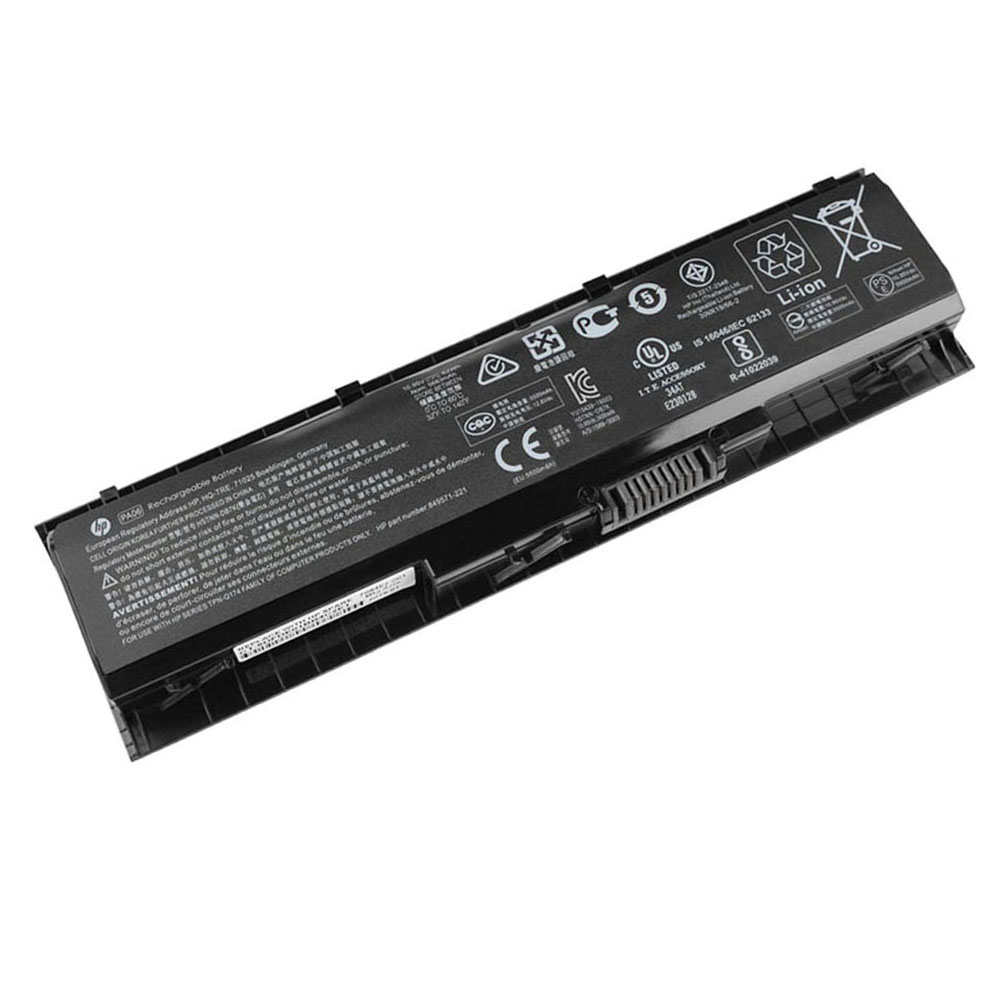
Choose this option if your original pack is labeled PA06. Always match part number first for correct fit and connector.
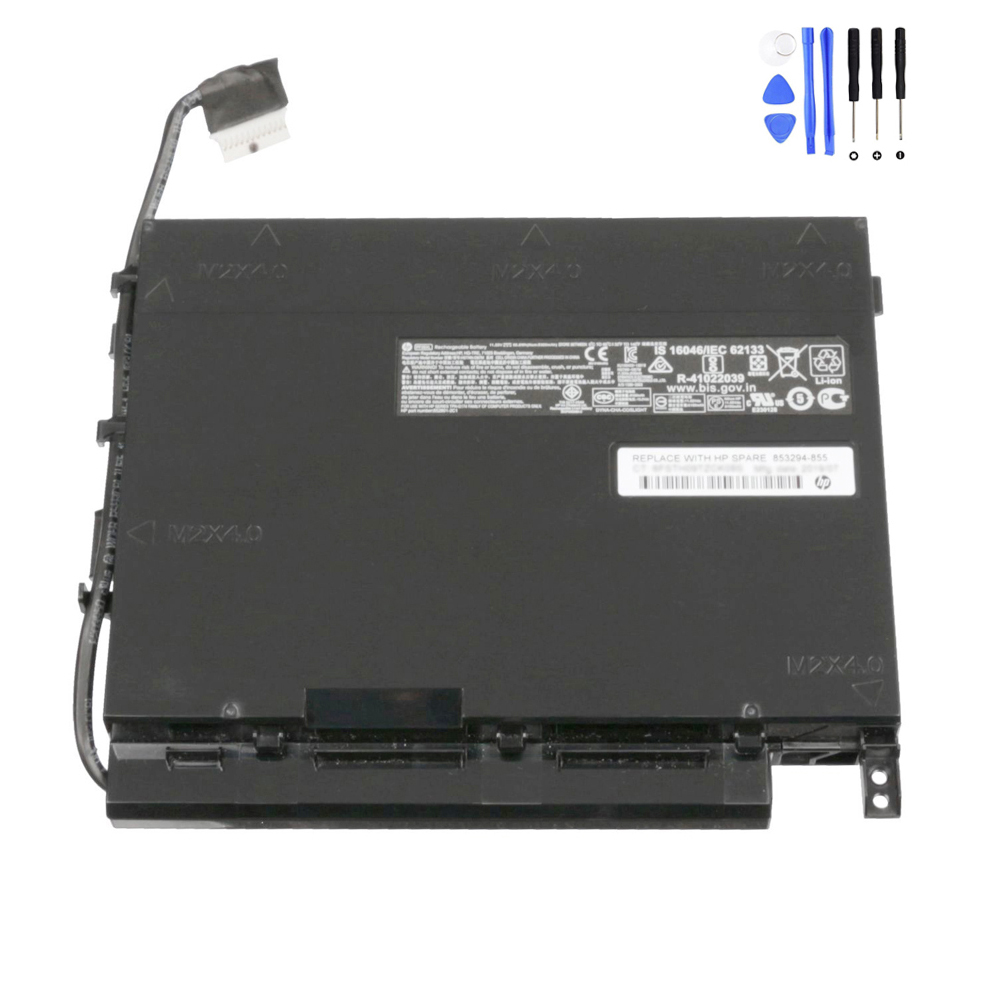
A high-capacity pack for compatible HP models labeled PF06XL.
Great if you want the best possible unplugged time for travel, classes, or lighter gaming.

If your battery part number is PG06XL, this is the correct direction for matching fit and connector.
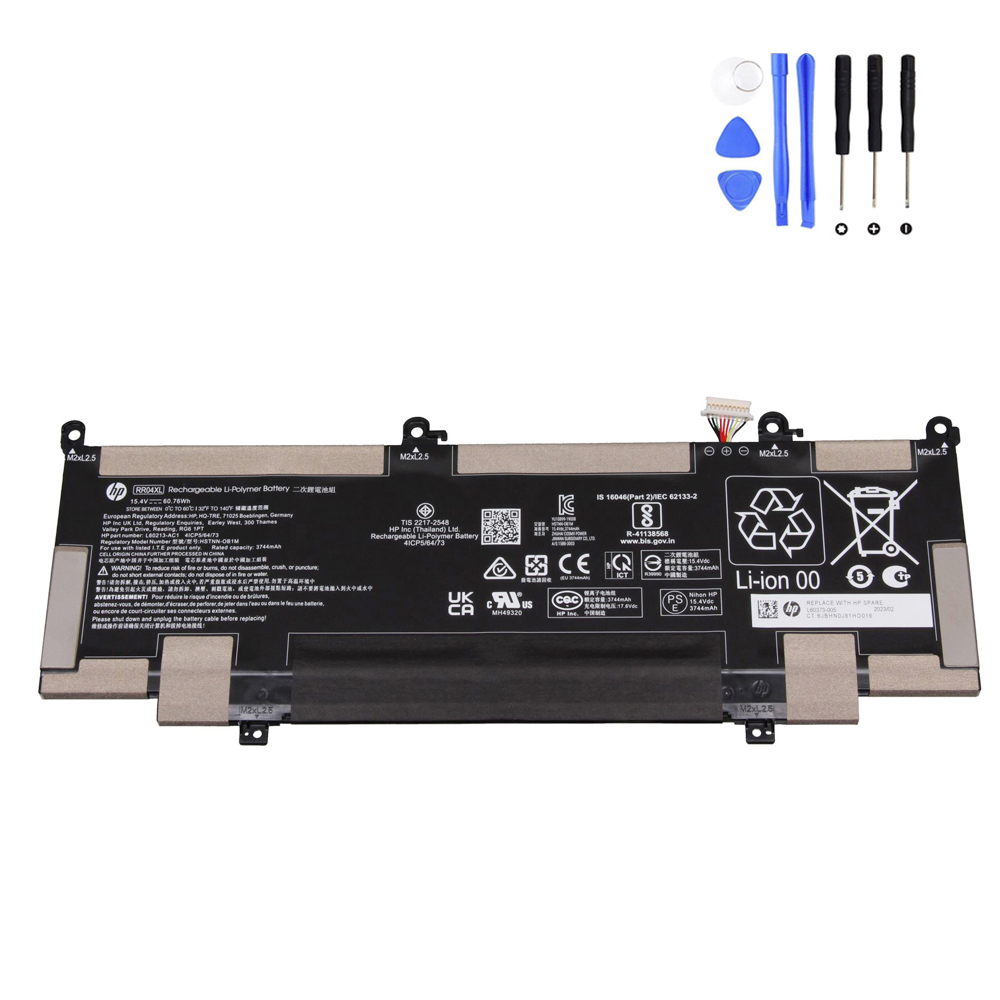
Select this option if your original battery label shows RR04XL. Match part number for compatibility.
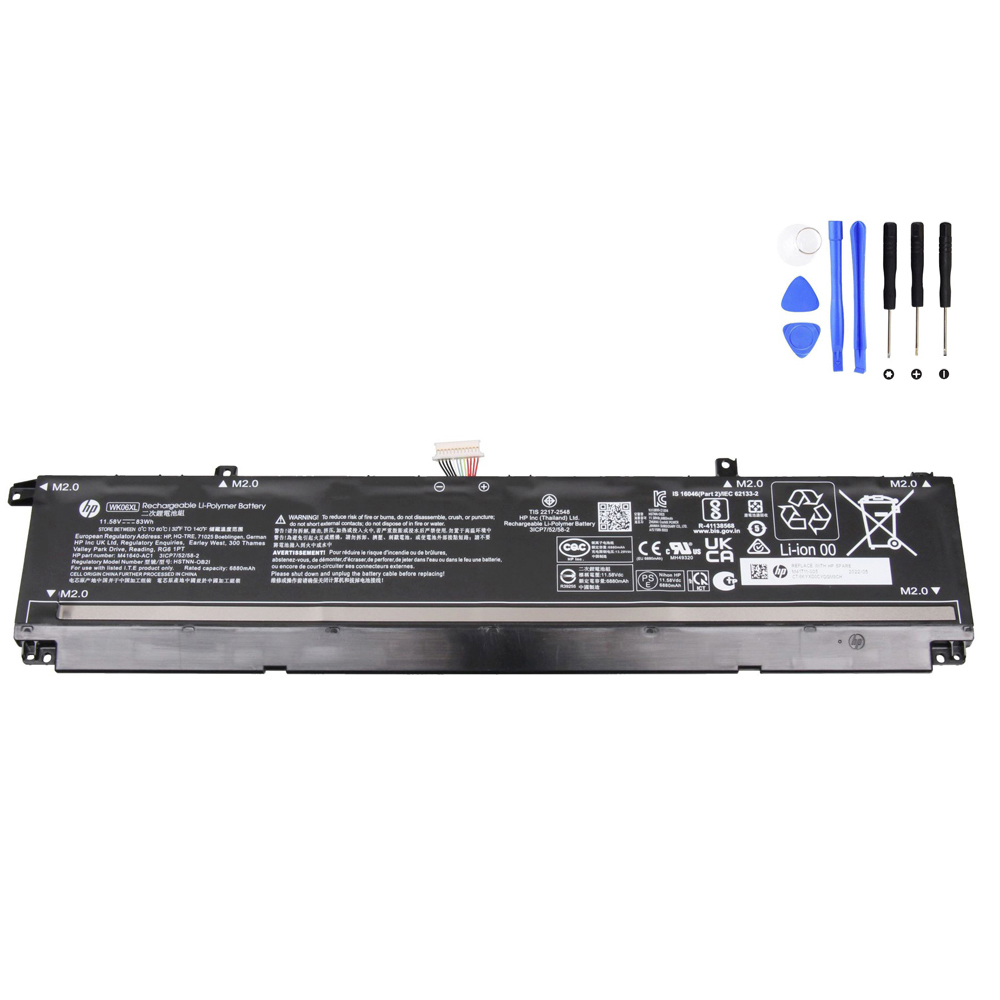
Choose this route if your battery is labeled WK06XL. A strong option for restoring daily runtime on compatible OMEN systems.
After you replace the battery: OMEN-friendly setup checklist
- Detection: confirm the battery is recognized in Windows (and in BIOS/UEFI if you check there).
- Charging test: start around 20–40%, plug in, and confirm the percentage rises steadily for 10–20 minutes.
- Heat-aware first test: avoid heavy gaming during your first charge test—check behavior at idle first.
- Runtime sanity check: test light use unplugged (web/video) so you’re not judging battery life by a gaming workload.
- Calibration (only if the % is clearly wrong): one cycle (100% → ~10–15% → 100%) can stabilize readings. Don’t repeat often.
FAQ (HP OMEN battery replacement)
Will a new battery make my OMEN “game longer” unplugged?
It will improve runtime compared to a worn battery, but gaming unplugged will still drain quickly on most OMEN models.
The biggest benefits are stability, fewer shutdowns, and more usable time for lighter tasks away from the outlet.
My OMEN drains while plugged in—does that mean the battery is bad?
Not automatically. Underpowered or unhealthy charging setups, aggressive performance profiles, or heavy load can cause this.
If your battery health is poor or capacity is clearly reduced, replacing the battery can help—but also verify the AC adapter wattage and condition.
What’s the #1 mistake people make when buying an OMEN battery?
Buying by the laptop family name only (“OMEN battery”) instead of matching the battery part number printed on the pack
(examples: PA06, PF06XL, PG06XL, RR04XL, WK06XL) and confirming the exact OMEN model series.
If your HP OMEN still performs well but battery life or stability has fallen off, replacing the battery is usually worth it—
especially if you see shutdowns, big % drops, or swelling.