Is it worth replacing an HP Spectre x360 battery?
In most cases, yes—a battery replacement is one of the best “value repairs” you can do on a Spectre x360.
The Spectre line is premium, and when the battery gets weak, the laptop can feel “old” even though everything else is still fast.
Battery health checks
Correct battery matching
Common symptoms + fixes
1) When a battery replacement is worth it
- Your laptop still performs well on AC power, but runtime dropped sharply (for example, 2–3 hours when it used to do 7–10).
- It shuts down suddenly at 20–40% battery, or the percentage jumps around.
- You see a health warning (needs calibration / replace) from diagnostics.
- The chassis/trackpad area is bulging (stop using it and replace ASAP).
It may not be worth it if your Spectre x360 has multiple expensive failures (screen damage, liquid spill, mainboard issues),
or if the hinge/cover is physically damaged and you’re already planning to upgrade.
2) Signs your HP Spectre x360 battery is failing
- Battery drains unusually fast even at low brightness and light tasks.
- Charging stops at a certain % or charges extremely slowly.
- Random shutdowns or instant power-off when unplugged.
- Battery percentage jumps (e.g., 56% → 18% in seconds).
- Overheating during charge more than normal.
- Trackpad/keyboard bulge or bottom cover not sitting flat (possible swollen battery).
3) 3 quick health checks before you buy
-
Run HP’s battery test (Windows):
Open HP’s support app tools (often via HP Support Assistant) and run a battery check. If it reports a failure / needs replacement, that’s a strong signal. -
Run a pre-boot battery test (UEFI):
Many HP models can test the battery before Windows loads (HP PC Hardware Diagnostics UEFI). This is helpful when Windows reporting is confusing. -
Compare behavior on AC vs battery:
If your Spectre is stable on AC but unstable/unpredictable on battery, that points to battery wear rather than CPU/RAM/SSD issues.
If diagnostics says “calibration recommended,” try one full discharge/charge cycle and re-test. If runtime is still poor (or you get warnings again), replacement usually makes the biggest difference.
4) Match the correct battery for your Spectre x360 model (most important part)
HP Spectre x360 batteries vary by generation and even by screen size (13/14/15/16).
Use the battery code and the “series” naming on your laptop (example: 13-ac, 14-ef, 15-eb, 16-f).
| Battery code (common) | Typical Spectre x360 series (examples) | Specs (from product listing) | Shop link |
|---|---|---|---|
| PK03XL | Spectre x360 13-4000 / 13-4100 / 13-4200, 13t-4000 / 13t-4100 (older generation) | 56Wh, 11.4V (3-cell) | View PK03XL |
| SH03XL (Short Line) | Spectre x360 13-ac000, 13-w000 | 57.9Wh, 11.55V (3-cell) | View SH03XL |
| CP03XL | Spectre x360 13-ae000 | 60.9Wh, 11.55V (3-cell) | View CP03XL |
| SP04XL | Spectre x360 13-ap0000 | 61.4Wh, 15.4V (4-cell) | View SP04XL |
| WS04XL | Spectre x360 14-ea0000 / 14-ea1000, 14-ef0000 / 14-ef2000 | Listed as 84.08Wh, 11.55V (6-cell) | View WS04XL |
| BN06XL | Spectre x360 15-eb0000 | 72.9Wh, 11.55V (6-cell) | View BN06XL |
| FZ06XL | Spectre x360 16-aa0000, 16-f0000 / 16-f1000 / 16-f2000 | 83Wh, 11.58V (6-cell) | View FZ06XL |
Important: HP model naming like “13-ap0000” is a series. Your exact configuration (CPU/screen) may still require a specific spare part number.
Always confirm by battery label + physical shape.
5) Recommended “shop cards” (pick your Spectre x360 generation)
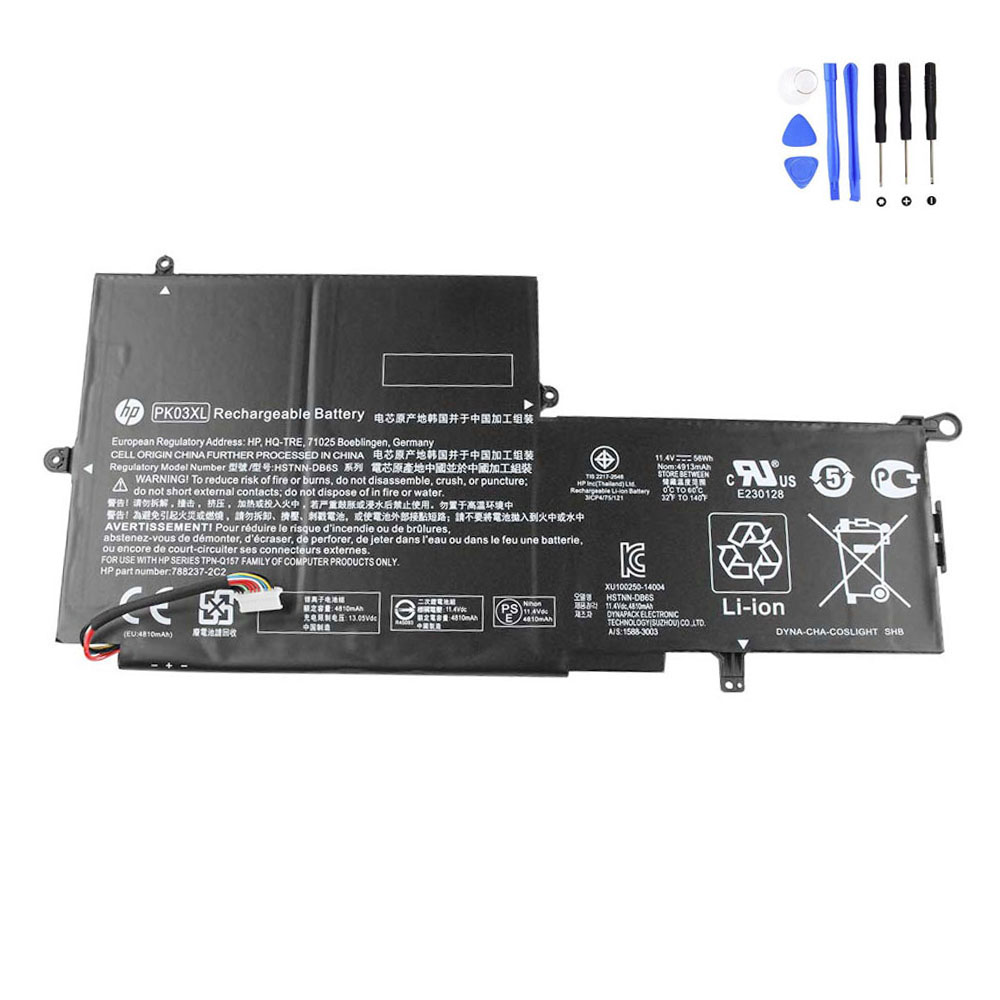
PK03XL (56Wh) – Spectre x360 13-4000 / 4100 / 4200
Older Spectre x360 generation. Match by PK03XL code and shape before ordering.

SH03XL (57.9Wh) – Spectre x360 13-ac000 / 13-w000
“Short line” version—double-check you are not ordering a long-line variant.
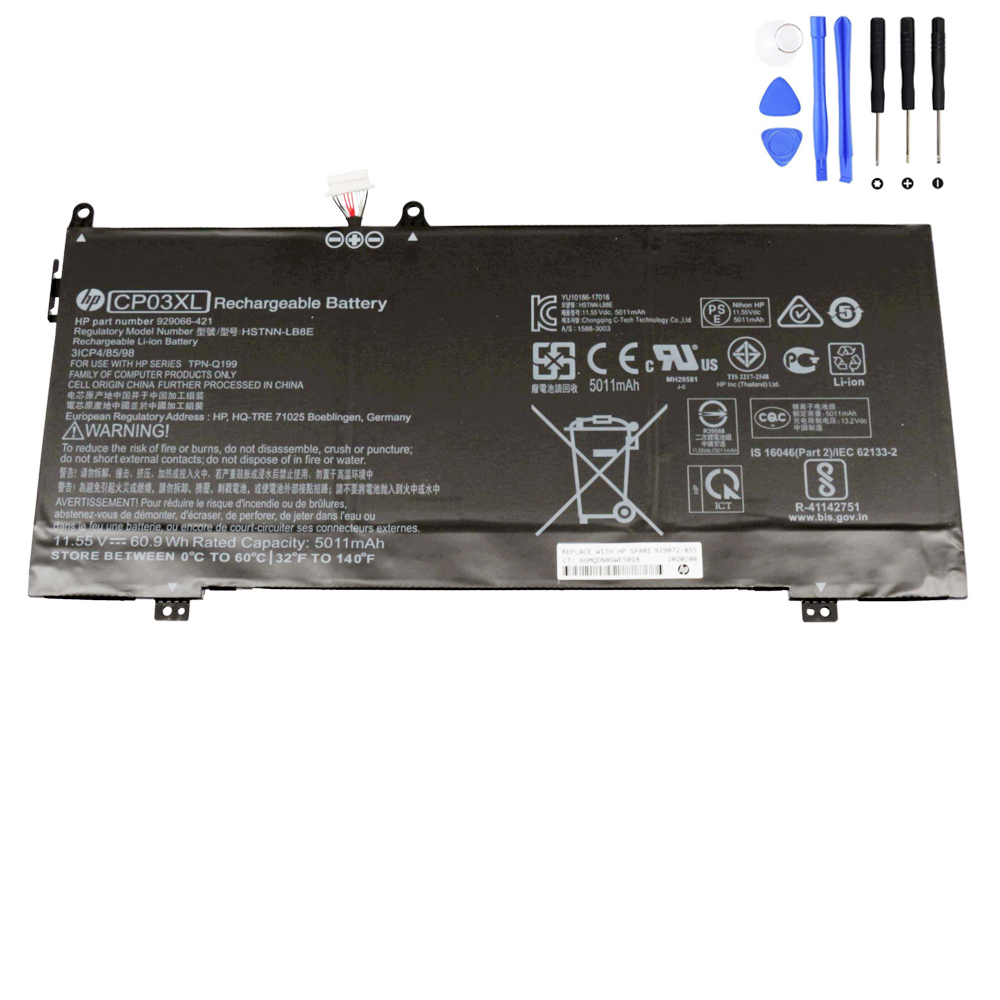
CP03XL (60.9Wh) – Spectre x360 13-ae000
Great upgrade if your laptop is still fast but battery life collapsed.
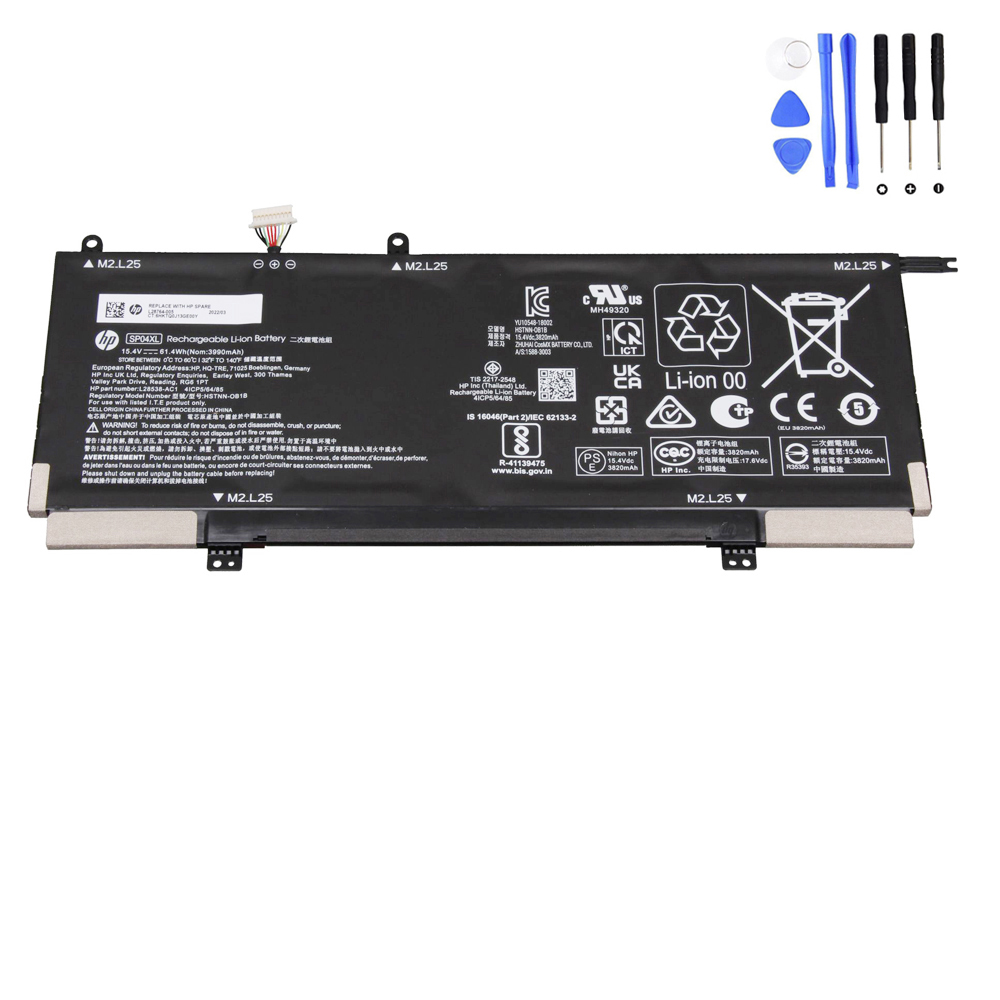
SP04XL (61.4Wh) – Spectre x360 13-ap0000
Different voltage than many other Spectre batteries—matching matters.
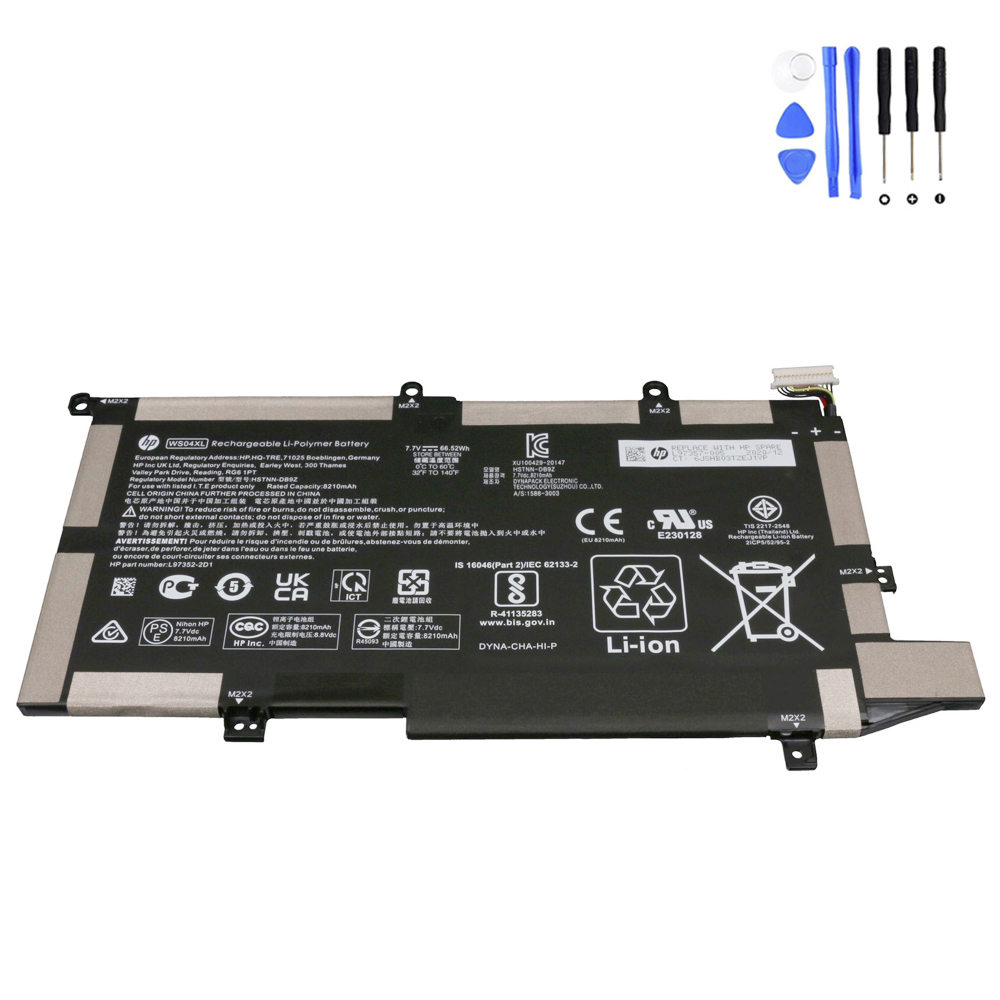
WS04XL – Spectre x360 14-ea / 14-ef series
Used across multiple 14-inch Spectre x360 generations. Confirm by WS04XL and spare number.
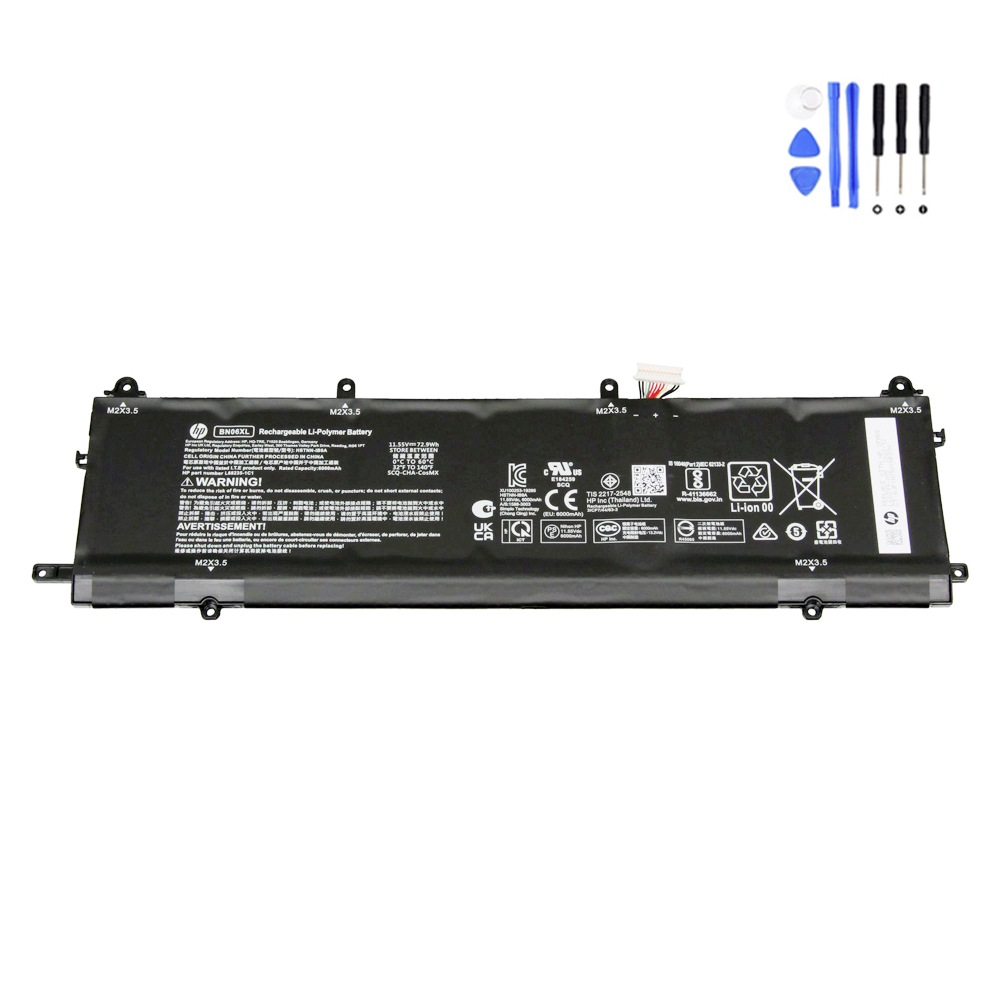
BN06XL (72.9Wh) – Spectre x360 15-eb0000
15-inch models often benefit the most from a fresh battery if you travel or work unplugged.

FZ06XL (83Wh) – Spectre x360 16-aa / 16-f series
For modern 16-inch Spectre x360 models—match carefully by series and code.
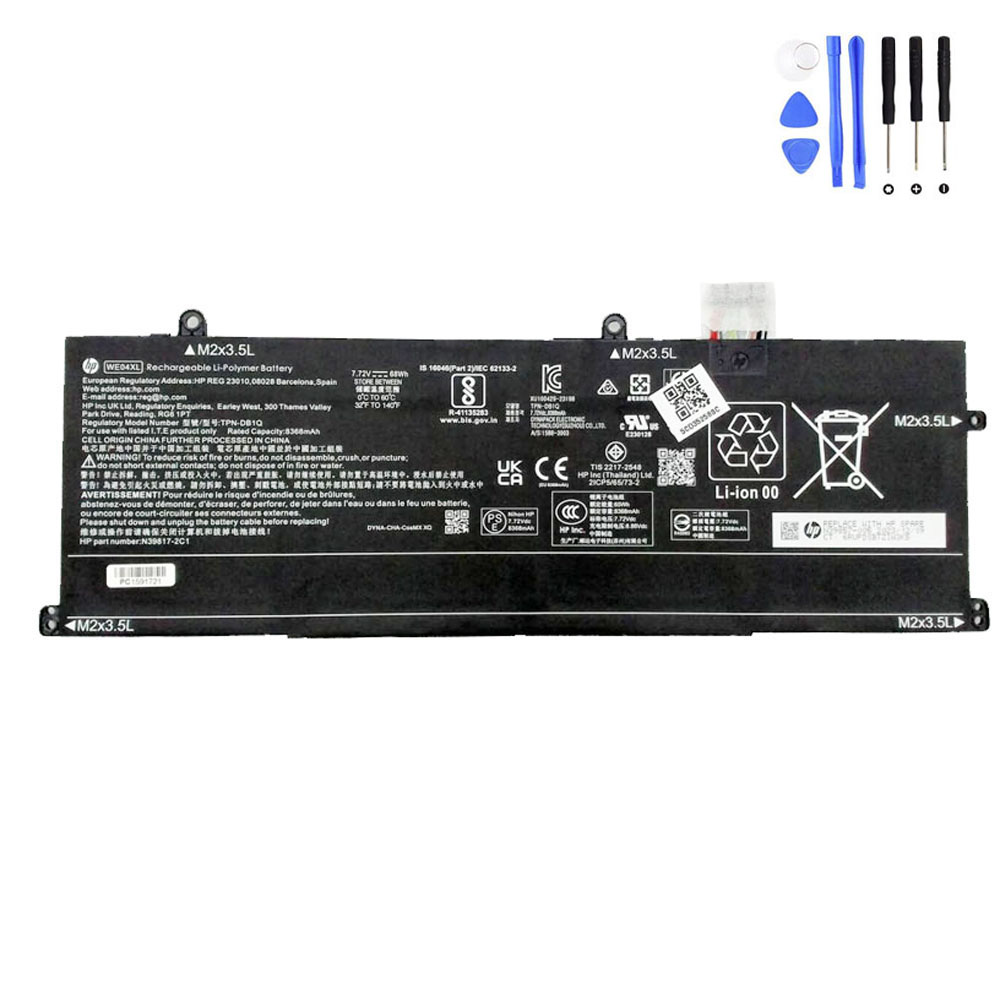
Not sure which one you need?
Browse the HP battery category and search by your battery code / spare part number.
6) How to avoid ordering the wrong Spectre x360 battery
- Check the battery label: Look for the code like SH03XL / CP03XL / SP04XL / WS04XL / BN06XL / FZ06XL.
- Match the series name: Example: “Spectre x360 13-ap0000” ≠ “13-ae000”. One letter can change the battery.
- Don’t trust Wh alone: Same Wh does not guarantee the same connector/shape.
- Compare shape + connector position: The safest method (especially on “Short line vs Long line” styles).
- When in doubt: Take a clear photo of your original battery label and connector, then match it before buying.
FAQ
How much performance do I get back after replacing a Spectre x360 battery?
You usually don’t gain CPU performance—but you regain “real-life usability”: stable unplugged runtime, fewer shutdowns, and more accurate battery percentage.
My Spectre x360 works fine plugged in but dies instantly when unplugged. Battery or something else?
That pattern strongly points to a worn-out or failing battery. Run a battery test first; if it reports poor health or failure, replacement is typically the fix.
What if diagnostics says “calibration needed”?
Try one full discharge/charge cycle and re-test. If runtime is still short or warnings return, replacement is usually the better move.
Can I use a different battery code if it “almost fits”?
Don’t. Voltage, connector pinout, and physical shape must match. Using the wrong pack can cause charging issues or damage.
Is battery replacement difficult on a Spectre x360?
It depends on the generation. Many models require removing the bottom cover and carefully disconnecting the battery cable. If you’re not confident, a local technician can install it safely.
Where can I find the right replacement battery for my Spectre x360?
Start here and search by your battery code or spare part number:
Battery for HP (category).
If you want, send me the exact Spectre x360 series (for example: 13-ap0000) and the battery code printed on your original battery,
and I’ll tell you the best match immediately.