The Lenovo ThinkPad T480 is famous for its long battery life and flexible power options. Thanks to Lenovo’s Power Bridge design, it uses an internal battery plus an optional removable external battery. This is great for runtime – but it also means you have more than one battery that can wear out over time.
So a very practical question is: how often should I replace my T480 battery?
The honest answer is: it depends on how you use the laptop. As a rule of thumb, most T480 users will start thinking about battery replacement somewhere around 2–4 years of regular use. Heavy users might need a new battery sooner, while light users can go longer. This guide explains what really affects battery lifespan, the signs that it’s time to replace your T480 batteries, and which options to choose when you’re ready to upgrade.
1. How long do T480 batteries normally last?
The T480 uses modern lithium-ion batteries. These don’t suddenly “die” on a specific date; instead, they slowly lose capacity with every charge cycle and every year of use. Several factors influence how long they stay healthy:
- Charge cycles: Every full 0–100–0% cycle counts as one cycle. Most laptop batteries are rated for a few hundred cycles before they drop to around 70–80% of original capacity.
- Heat: High temperatures during heavy CPU loads, gaming or poor ventilation accelerate wear.
- Usage pattern: Always staying at 100% on AC, or frequently running down to 0%, can both stress the cells.
- Age: Even if you don’t use the laptop heavily, batteries naturally degrade over time.
In real-world terms:
- Light users (a few hours per week): Internal and external batteries can often feel acceptable for 3–5+ years.
- Normal office users (daily use): Expect meaningful capacity loss after about 2–4 years.
- Heavy users (long daily sessions on battery): You may see noticeable degradation after 1.5–3 years.
2. The T480’s dual-battery layout: internal + external
Most T480 configurations ship with:
- A 24Wh internal battery (3-cell, typically FRU 01AV421)
- One of several external 61-series batteries:
- 24Wh 3-cell (Battery 61) – slim and light
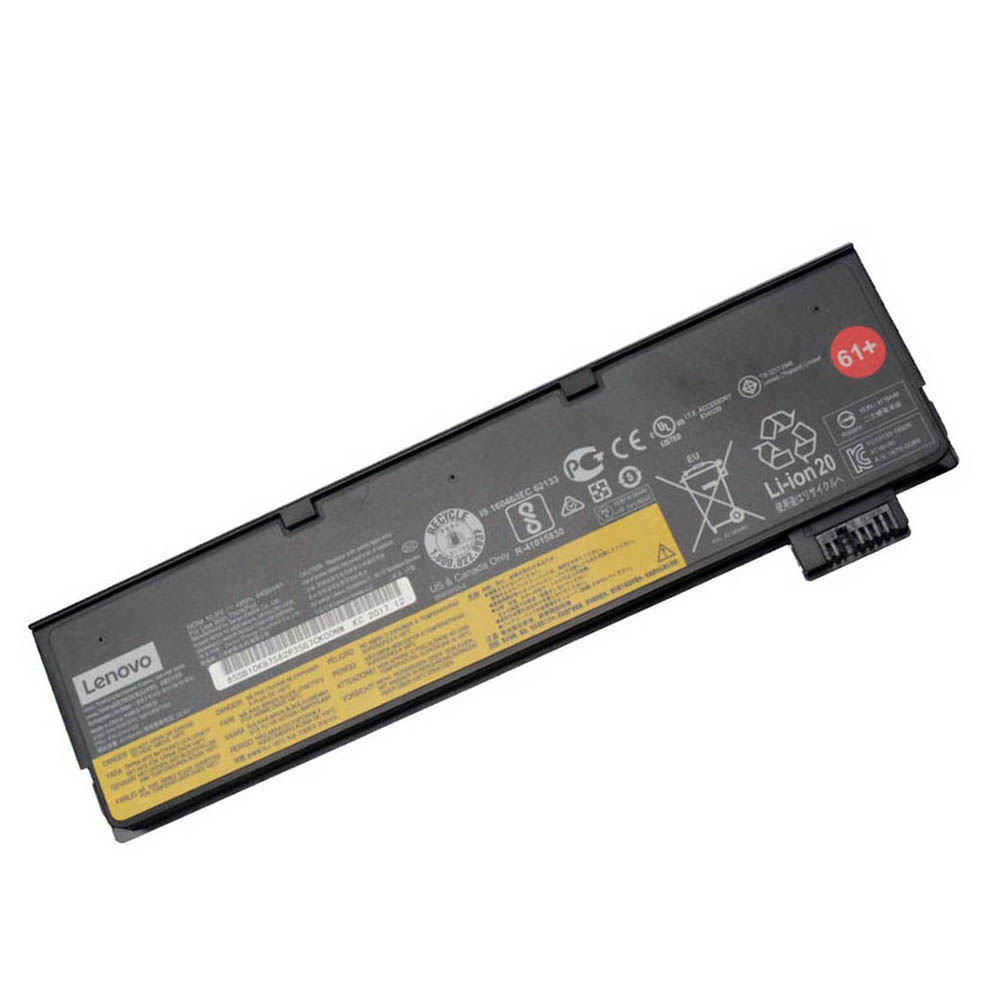
- 48Wh 6-cell (Battery 61+) – balanced option
- 72Wh 6-cell (Battery 61++) – extended runtime
Because there are two batteries working together, you don’t necessarily need to replace both at the same time. Often, the external battery wears out first because it handles a large share of your runtime. In other cases, a very old T480 may need both replaced to feel “like new” again.
3. Signs it’s time to replace your T480 battery
Rather than replacing on a fixed schedule, it’s better to watch for specific warning signs:
1) Noticeably reduced battery life
- The laptop used to last most of the day, but now it dies after a couple of hours (or less).
- You find yourself constantly looking for a power outlet, even with moderate usage.
2) Big jumps in percentage or sudden shutdowns
- The battery jumps from, for example, 35% to 10% very quickly.
- The T480 shuts down unexpectedly even though Windows shows remaining charge.
3) Battery health reports show low capacity
- Tools like Lenovo Vantage or powercfg /batteryreport in Windows show that “Full charge capacity” is much lower than the original design capacity.
- For example, a pack designed for 24Wh now only reports 12–15Wh.
4) External battery not detected or not charging
- Windows or Lenovo Vantage no longer shows the external battery at all.
- The external battery stays at 0% or never increases, even when plugged in.
If you see one or more of these symptoms, it’s usually a clear sign that at least one of your T480 batteries should be replaced.
4. Should I replace the T480 battery on a schedule?
There’s no strict requirement to replace T480 batteries every X years. Instead, think in terms of performance and reliability:
- If your T480 still comfortably covers your work sessions on battery, you don’t need to replace anything yet.
- If your runtime or stability is causing problems, it’s time to plan a replacement.
However, as a guideline:
- For business-critical / travel-heavy use, many people proactively replace batteries around the 3-year mark to avoid surprises.
- For home or occasional use, you can simply wait until capacity loss becomes annoying.
5. Replace internal, external, or both?
Because the T480 has two batteries, you can choose to replace one or both, depending on your situation.
Option A: Replace only the external battery
This is the most common and easiest first step:
- The external 61-series battery is simple to remove and swap.
- If your internal 24Wh pack still has decent health, a fresh external pack can restore most of your runtime.
For example, you can choose between:

24Wh external T480 battery (Battery 61 – 01AV423)
Slim and lightweight, ideal if you want to keep your T480 as compact as possible and you’re often near a power outlet.
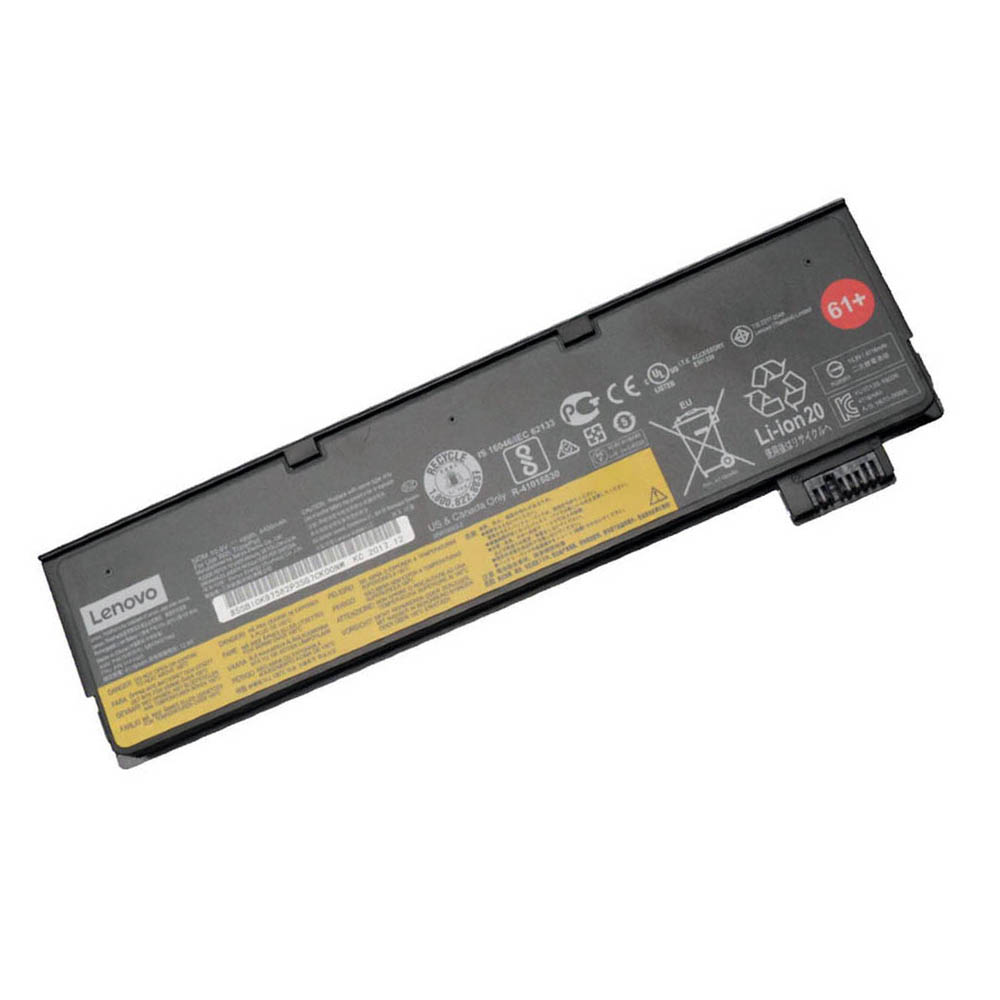
48Wh external T480 battery (Battery 61+ – 01AV427)
Great middle option: noticeably more runtime than the 24Wh pack, with only a modest increase in size and weight.
72Wh external T480 battery (Battery 61++)
Maximum runtime for travel, field work or long days away from power. Heavier and larger, but ideal when battery life matters most.
Option B: Replace only the internal battery
If your external battery is still performing well but you notice rapid drops when you swap or disconnect it, the internal 24Wh battery may be the problem. Replacing it restores the core of the Power Bridge system.

24Wh internal T480 battery (01AV421)
Standard internal 3-cell battery for the ThinkPad T480. Ideal when your built-in pack shows low health in battery reports or can no longer support hot-swapping.
Option C: Replace both internal and external batteries
If your T480 is several years old and both packs show low capacity, the best experience comes from replacing both batteries at the same time. This essentially “resets” your power system and can make an older T480 feel much more modern and reliable.
6. Usage profiles: when to plan your replacement
You can also think about replacement timing based on how you use the laptop:
Light / home user
- Use: browsing, email, occasional work.
- On battery a few hours per week.
- Plan: Replace when battery life becomes annoyingly short – often after 3–5 years, not on a fixed schedule.
Office / business user
- Use: daily office work, meetings, travel between rooms or locations.
- Frequent battery use, but often some time on AC each day.
- Plan: Expect to replace at least the external battery roughly every 2–4 years. Consider proactive replacement around year 3 if reliability is important.
Heavy mobile / travel user
- Use: long flights, field work, heavy apps on battery.
- Many deep discharge cycles and more heat.
- Plan: You may need new batteries in 1.5–3 years. It’s reasonable to treat batteries as consumables and budget for replacements.
7. How to extend the life of your T480 batteries
If you want to replace batteries less often, a few habits can help:
- Keep temperatures under control: Don’t block the vents, avoid gaming on soft surfaces, and clean dust periodically.
- Avoid constant 0–100% cycling: Try not to fully drain to 0% every time. Shallow discharges are kinder to lithium-ion cells.
- Don’t store it fully drained: If you won’t use the laptop for a while, store it around 40–60% charge.
- Use balanced power profiles: Lower screen brightness and disable unnecessary background apps to reduce strain.
These tips won’t stop aging, but they can slow it down, giving you more useful years before replacement becomes necessary.
8. Summary: how often should you replace your T480 battery?
There’s no single “expiration date” for a ThinkPad T480 battery, but you can use these guidelines:
- Most users will consider replacement somewhere around 2–4 years of regular use.
- Heavy users may need a new battery in 1.5–3 years, especially if they rely on long runtimes away from power.
- Light users can often continue with the original batteries for 3–5+ years, until reduced runtime becomes annoying.
- Watch for symptoms like short runtime, sudden drops, shutdowns or low health in battery reports – these matter more than the calendar.
When the time comes, you don’t have to replace your T480 – just renew its power system. With a fresh internal 24Wh pack and a new external 61-series battery that matches your needs, your T480 can stay a reliable daily companion for many more years.