The Lenovo ThinkPad T480 is one of those classic business laptops that people still love years after its launch – and a big reason is its excellent battery system. Thanks to Lenovo’s Power Bridge design, the T480 can use an internal battery plus a removable external battery, giving you flexible runtime options from “just enough for meetings” to “all-day and then some”.
But in real life, how long is the battery life on the Lenovo T480? The honest answer is: it depends on which battery combination you use and what you’re doing. In this guide we’ll break down typical runtime estimates, the different battery options, and how to get the best battery life from your T480.
1. The T480 battery system in a nutshell
Most ThinkPad T480 configurations use two batteries:
- Internal battery: 24 Wh 3-cell pack (inside the laptop)
- External battery: removable rear 61-series pack, available in:
- 24 Wh (Battery 61, 3-cell)
- 48 Wh (Battery 61+, 6-cell)
- 72 Wh (Battery 61++, 6-cell extended)
The internal and external batteries work together. Total capacity is simply:
- 24 Wh (internal) + external capacity (24 / 48 / 72 Wh)
This leads to three typical total capacities:
- 48 Wh – 24 Wh internal + 24 Wh external
- 72 Wh – 24 Wh internal + 48 Wh external
- 96 Wh – 24 Wh internal + 72 Wh external
2. Real-world battery life – what the numbers mean
Battery capacity is measured in Wh (watt-hours). Roughly speaking, a typical office workload on a 14″ business laptop might draw anywhere from 6–10 W on light use and much more under heavy load.
Below are very approximate real-world ranges for a healthy T480, using sensible power settings and moderate brightness:
48 Wh total (24Wh internal + 24Wh external)
- Light office / web / email: around 4–7 hours
- Mixed use (office + calls + some heavy apps): around 3–5 hours
- Heavy load (continuous high CPU, video, compiling): around 2–3 hours
72 Wh total (24Wh internal + 48Wh external)
- Light office / web / email: around 6–10 hours
- Mixed use: around 4–7 hours
- Heavy load: around 3–4.5 hours
96 Wh total (24Wh internal + 72Wh external)
- Light office / web / email: around 8–13+ hours
- Mixed use: around 6–9 hours
- Heavy load: around 4–6 hours
Actual runtime depends on many details: screen brightness, Wi-Fi usage, CPU load, background processes, and of course the age and health of your batteries. A brand-new 96 Wh setup can comfortably be an “all-day laptop” for typical office work. Older or heavily worn packs will last less.
3. The internal T480 battery (24Wh)
The internal battery in the T480 is a 24 Wh 3-cell pack. Its job is to provide base power and enable hot-swap: when you remove the external battery, the laptop keeps running from the internal one for a short time so you don’t have to shut down.
If your T480 drops quickly when you unplug or when you swap the external battery, your internal pack may be worn out. You can restore original behaviour with a compatible replacement such as:

Internal T480 battery – 24Wh (01AV421)
Standard 24 Wh internal battery for the ThinkPad T480. Replacing a tired internal pack helps stabilise runtime and makes Power Bridge hot-swap work as intended.
4. External battery options and their impact on battery life
The removable rear battery is what really determines how long your T480 will last on a charge. Lenovo’s 61-series family gives you three choices:
4.1 24Wh external (Battery 61 – slim profile)
This is the lightest and slimmest option. It barely sticks out from the back of the laptop and keeps the T480 very portable.
- Total capacity with internal: ~48 Wh
- Best for: users who are often near a power outlet, short meetings, commuting

24Wh external T480 battery – Battery 61 (01AV423)
Compact 24 Wh external battery that keeps your T480 light and slim. Perfect if you mostly use the laptop at a desk and only need moderate unplugged time.
4.2 48Wh external (Battery 61+ – best balance)
The 48 Wh 6-cell battery (61+) is often the sweet spot for T480 owners. It adds a small “bump” at the back, but the extra runtime is significant.
- Total capacity with internal: ~72 Wh
- Best for: office users, students, business travellers who want real “workday” battery life
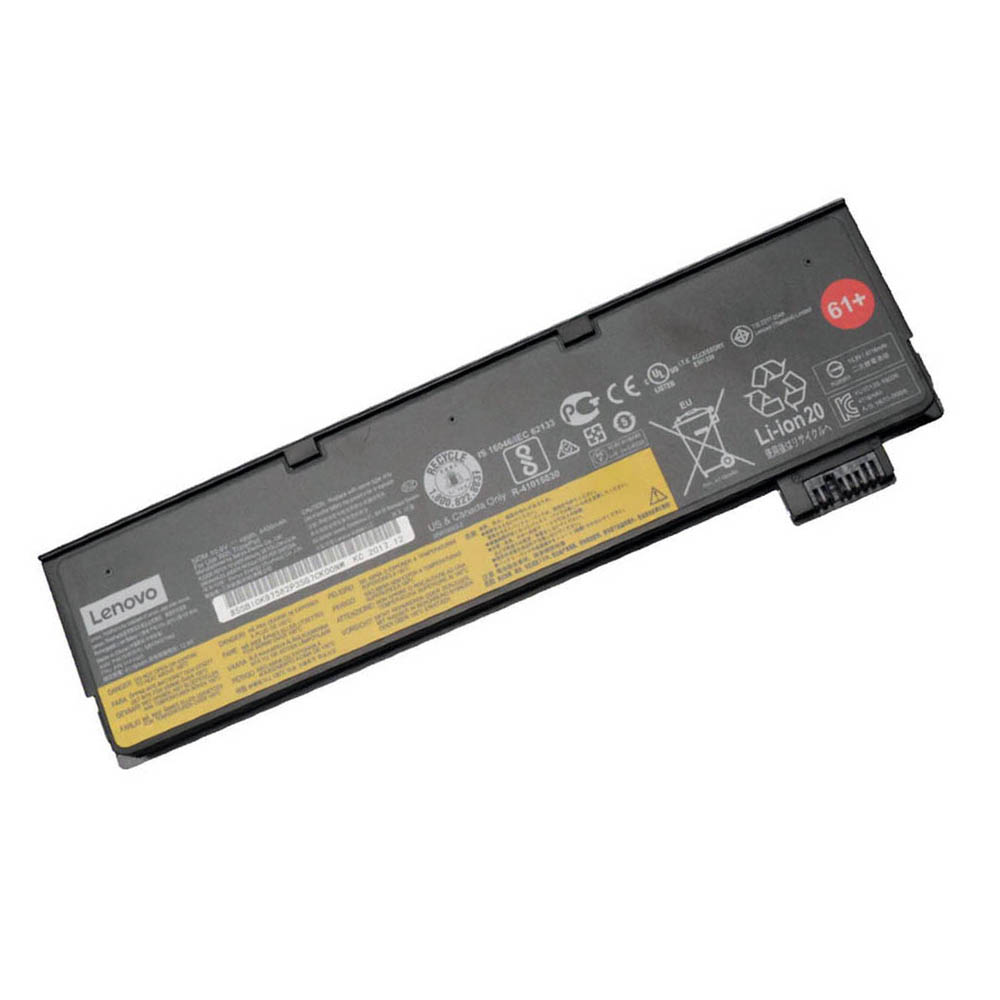
48Wh external T480 battery – Battery 61+ (01AV427)
48 Wh external battery that gives your T480 a big boost in runtime without making it excessively heavy. Ideal if you often work away from power for several hours in a row.
4.3 72Wh external (Battery 61++ – maximum runtime)
The 72 Wh extended 61++ battery is for people who value runtime above everything else. It increases weight and creates a larger “hump” at the back, but the payoff is serious battery life.
- Total capacity with internal: ~96 Wh
- Best for: long flights, field work, conferences, full days away from power
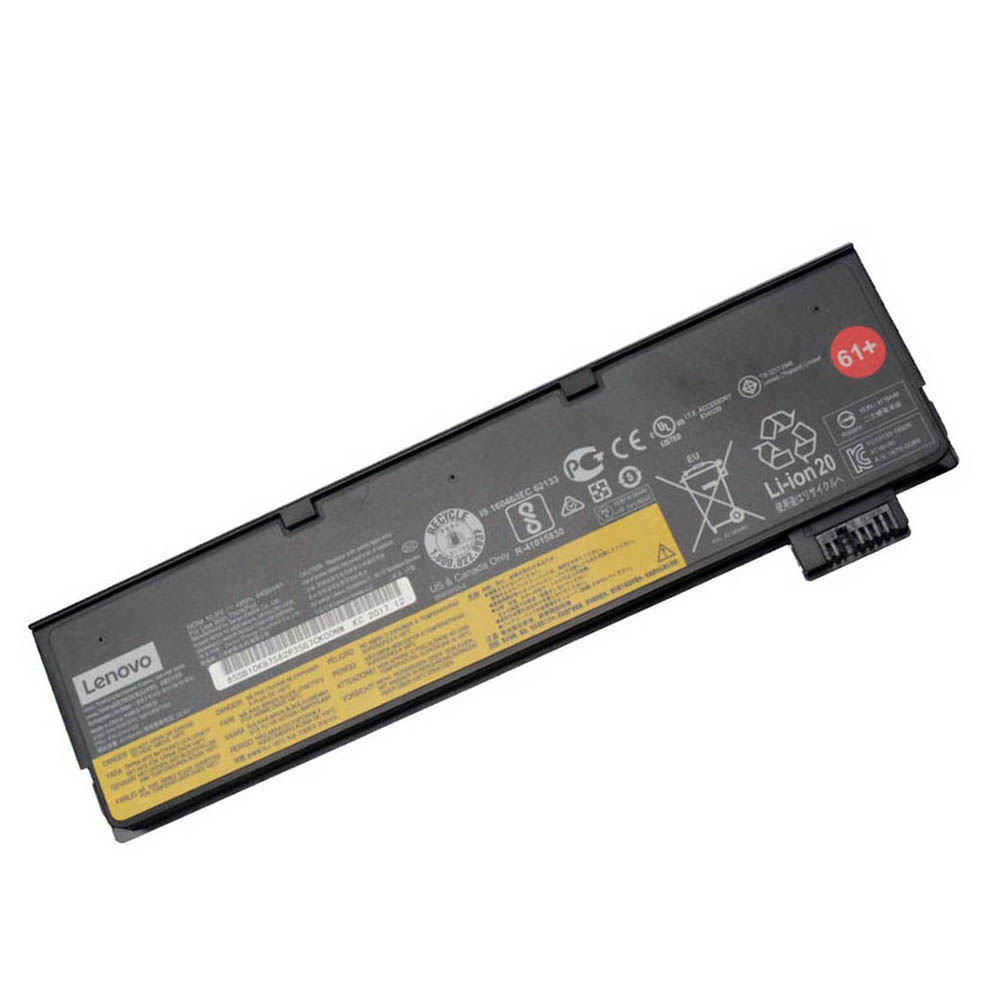
72Wh external T480 battery – Battery 61++
72 Wh extended external battery for maximum runtime. Ideal when you want your T480 to comfortably last all day on battery with power to spare.
5. Why your T480 battery life might be shorter than expected
If your T480 isn’t lasting as long as it used to, there are a few likely reasons:
- Battery wear: Over time, lithium-ion batteries lose capacity. A 48 Wh pack might only hold 30–35 Wh after a few years.
- Higher screen brightness: Running the display near 100% brightness can noticeably reduce runtime.
- Background processes: Too many apps syncing, indexing or updating in the background will drain the battery faster.
- Heavy workloads: Virtual machines, video editing, large spreadsheets and CPU-heavy apps all draw more power.
You can check your battery health using Lenovo Vantage or by running powercfg /batteryreport in an elevated Command Prompt. If “Full charge capacity” is far below the original “Design capacity”, it’s time to think about replacement.
6. Tips to maximise battery life on the T480
To squeeze the most runtime out of your T480, try these simple tweaks:
- Lower screen brightness to a comfortable but not excessive level.
- Use a Balanced or Battery saver power plan when on battery.
- Disable or uninstall apps you don’t need that run in the background.
- Turn off Bluetooth or Wi-Fi if you’re not using them.
- Keep vents clear and avoid overheating – high temperatures accelerate battery wear.
7. Summary: how long can a T480 battery really last?
There is no single, fixed number, but you can use this as a quick reference for a healthy Lenovo T480:
- 24Wh internal + 24Wh external (~48Wh): roughly 4–7 hours of light office work.
- 24Wh internal + 48Wh external (~72Wh): roughly 6–10 hours, enough for many workdays.
- 24Wh internal + 72Wh external (~96Wh): roughly 8–13+ hours under light to moderate loads.
If your current battery life is far below these ranges, the reason is usually age and wear, not the design of the T480 itself. The good news: you don’t need a new laptop – just new batteries. By refreshing the internal 24 Wh pack and choosing the external 61-series battery that fits your routine (24 / 48 / 72 Wh), you can bring your T480’s battery life back to what made this ThinkPad so popular in the first place.