If your HP laptop won’t hold a charge anymore, you’re probably asking the same question most people do:
Is it cheaper to replace the battery, or should I buy a new laptop?
The practical answer is: in many cases, a battery replacement is the most cost-effective fix—especially if your laptop is otherwise
fast enough for your daily work. But there are also clear signs when it’s smarter to invest in a new machine.
This guide breaks the decision down into simple rules, real-world cost factors, and a quick checklist you can use today.
If your HP laptop is in good condition and only battery life is the problem, replacing the battery is usually far cheaper than buying a new laptop.
Consider a new laptop when you also have performance issues (slow CPU, low RAM), storage limits,
or other costly problems (display/hinge/keyboard/board issues) that stack up.
The real costs: battery replacement vs new laptop
Let’s compare what you typically pay and what you actually get.
The goal isn’t just “lowest cost”—it’s lowest cost per year of useful life.
| Option | Typical cost range | What you gain | Best for |
|---|---|---|---|
| Replace battery |
Usually the cost of the battery + optional installation. (Varies by model and whether the battery is internal.) |
Restores portable runtime, reduces sudden shutdowns, improves stability when unplugged. | Laptops that still feel fast enough, with a good screen/keyboard and no major hardware faults. |
| Buy new laptop | Higher upfront cost, plus setup/time cost. | New warranty, faster CPU, newer Wi-Fi, better display, longer software support window. | Laptops that are slow for your workload or need multiple expensive repairs. |
But if the laptop is already struggling with everyday tasks, the battery won’t fix the experience.
When battery replacement is the smarter choice
Battery replacement tends to be a clear win if most of these statements are true:
- Your HP laptop is still fast enough for what you do (web, office, school, light creative work).
- The laptop works fine on the charger, but the battery life is short or unstable.
- No major issues with the display, hinge, keyboard, motherboard, or charging port.
- You want to avoid the time cost of migrating data and reconfiguring software.
Common battery-related symptoms that replacement typically solves:
- Battery percentage drops quickly or shuts down unexpectedly
- Laptop only works when plugged in
- Battery health shows very low capacity compared to design capacity
- Battery reports “Replace” / “Weak” / “Needs attention” in diagnostics
When buying a new laptop makes more sense
Consider a new laptop if you’re facing battery issues plus several of the following:
- Performance limits: The laptop is slow even on AC power (boot is slow, apps lag, multitasking is painful).
- Storage constraints: You’re constantly running out of space and upgrades are difficult or expensive.
- Multiple repairs needed: Battery + charging port + keyboard + screen (stacked costs add up).
- Physical reliability issues: hinge damage, cracked case, overheating, fan noise, frequent crashes.
- Support window: You rely on new software/security features and your current system is near end-of-support for your needs.
Hidden costs people forget (and how to avoid them)
Most “new laptop vs battery” comparisons ignore the hidden costs that show up later:
- Time cost: moving files, reinstalling apps, browser setup, passwords, printers, and accounts.
- Accessory cost: new dongles, chargers, docking changes, cases, or adapters.
- Learning cost: new keyboard layout, ports, different function keys, BIOS behavior.
- Data risk: transferring data safely takes planning if your old laptop is unstable.
If your laptop is otherwise reliable, replacing the battery avoids most of these costs.
How to find the correct HP replacement battery (so you don’t waste money)
The biggest “battery replacement regret” isn’t the idea of replacing the battery—it’s ordering the wrong one.
Use this simple matching process:
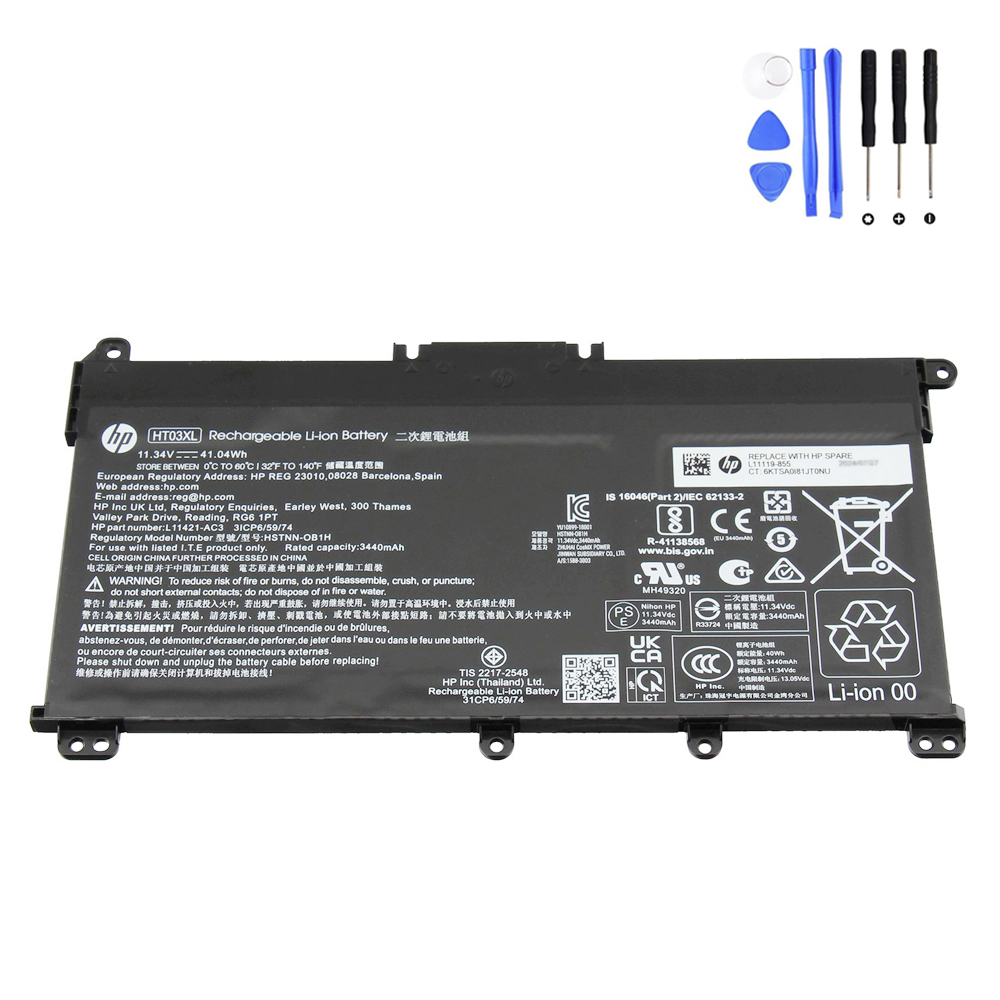
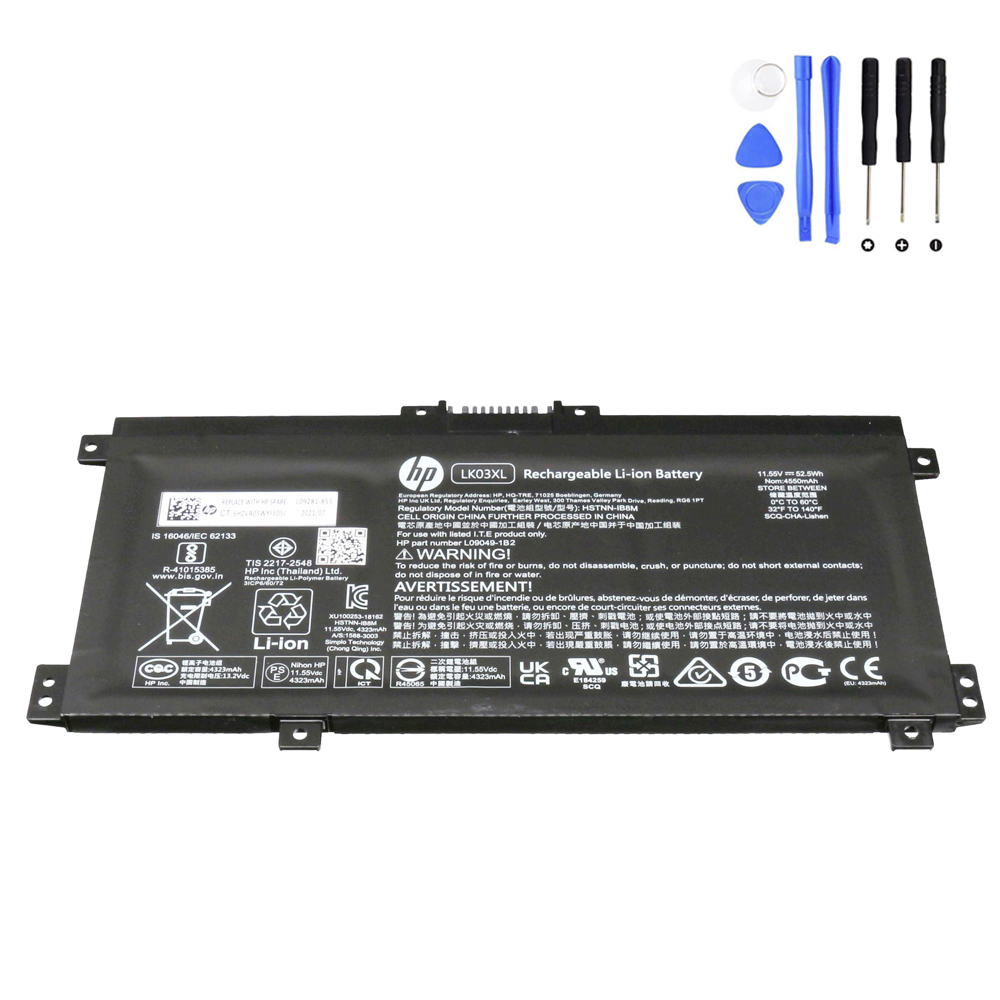
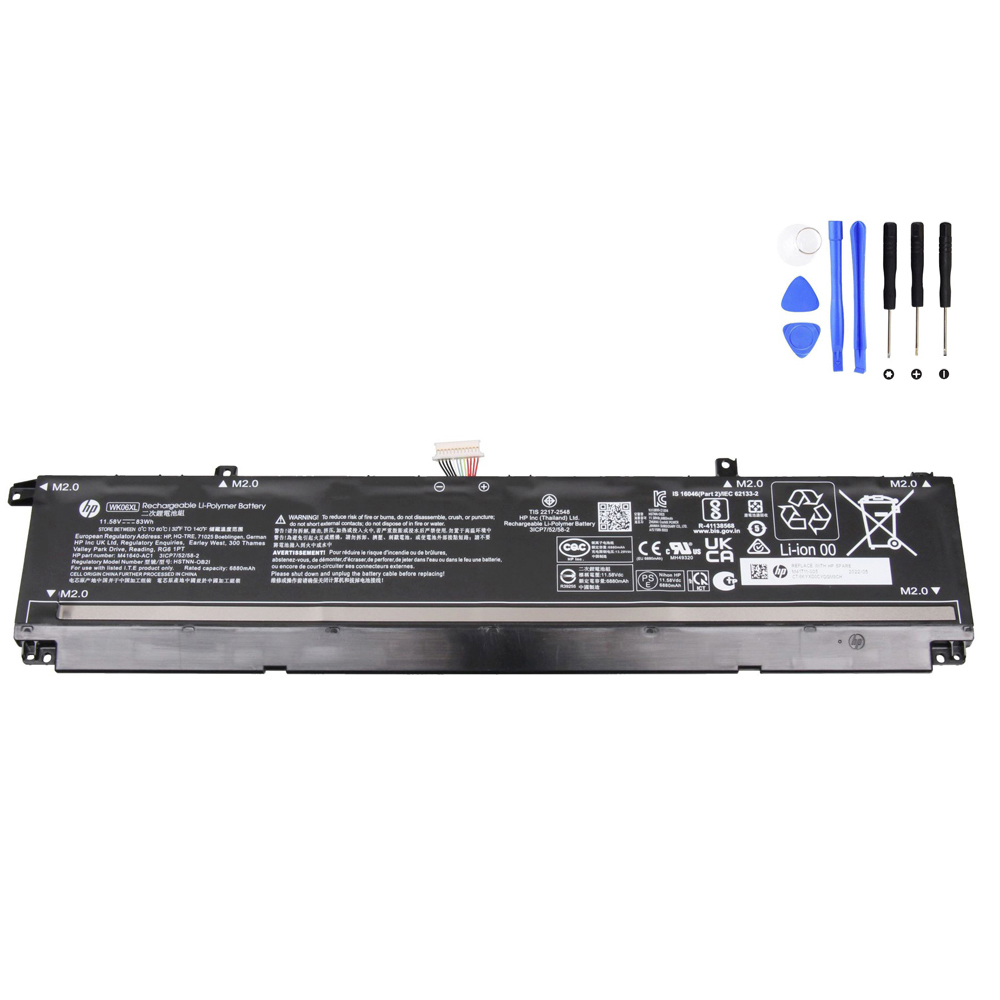
- Battery model code on the battery label (examples: HT03XL, LK03XL, WK06XL)
- HP spare/part number (cross-check if available)
- Voltage (must match your battery family)
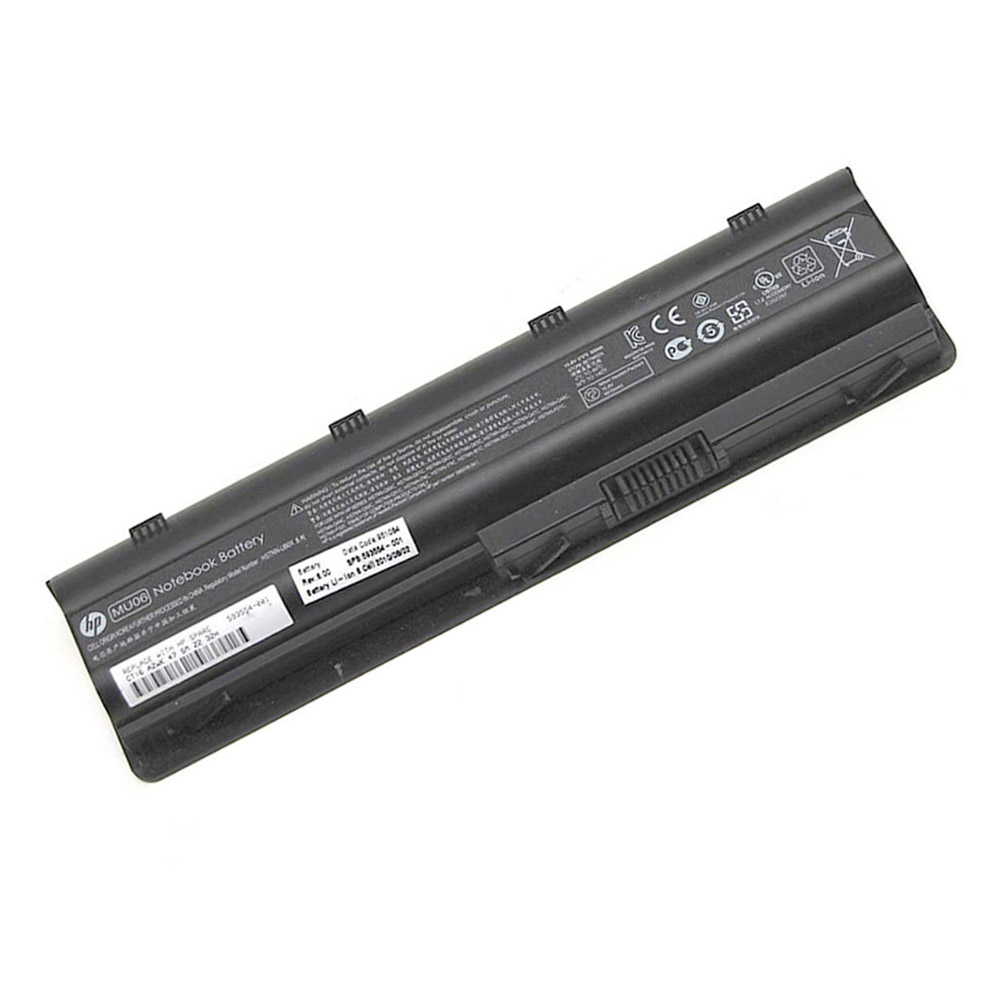
- Connector position + layout (use product images to confirm)
Once you have the battery model code or HP spare number, you can locate the correct product quickly on our site:
site:fixing-tools.store/laptop-parts HT03XL
Popular HP batteries (clickable)
Here are a few popular HP batteries on Fixing-Tools. Click to view details and confirm compatibility.
FAQ
What if my HP laptop works fine plugged in, but dies when unplugged?
That’s a classic sign of a worn-out battery (or a battery that is no longer recognized correctly). If performance is fine on AC power,
a battery replacement is usually the most cost-effective fix.
Is it worth replacing the battery on an older HP laptop?
If the laptop still meets your needs and has no other major issues, yes—battery replacement often provides the best cost-to-benefit improvement.
If the laptop is also slow, overheating, or needs multiple repairs, compare total repair costs against a new laptop.
How do I avoid buying the wrong battery?
Match by battery model code first, then confirm voltage and connector position using product photos. If you can’t access the battery label,
use your serial/product number to find the correct HP spare/part number and cross-check it.