ASUS AC Adapter 100–240V 50–60Hz: How to Choose the Right High-Power Charger (ROG Focus)
Match voltage first
Wattage same or higher
Connector must match
Avoid “almost fits” plugs
The key is to buy the correct output voltage, enough wattage, and the exact connector type.
- Step 1 — Confirm what “100–240V 50–60Hz” means
- Step 2 — Read your original adapter label (the 3 numbers that matter)
- Step 3 — Identify your connector: Rectangle vs 6.0×3.7mm
- Step 4 — Choose the correct wattage (avoid throttling)
- 2026 Picks — ASUS Rectangle Connector high-wattage lineup
- 2026 Picks — ASUS 6.0×3.7mm high-wattage lineup
- FAQ — Common ASUS ROG charger questions
Step 1 — Confirm what “100–240V ~ 50–60Hz” means
You’ll see Input: 100–240V ~ 50–60Hz on most modern ASUS chargers. This means the power brick can accept typical household power worldwide
(for example 110–120V in the US, 220–240V in many other regions).
- What still matters: the correct wall power cord (US/EU/UK/AU plug) and a reliable outlet.
- What does NOT change: your laptop still needs the correct output (e.g., 20V) and connector.
Step 2 — Read your original adapter label (the 3 numbers that matter)
Flip your current adapter over and locate the OUTPUT line. You need:
- Voltage (V) — must match exactly (example: 19V, 19.5V, or 20V).
- Current (A) — can be the same or higher (example: 10A).
- Wattage (W) — choose the same or higher (W = V × A).
slow charging, battery drain while plugged in, or CPU/GPU performance throttling.
Step 3 — Identify your connector: Rectangle vs 6.0×3.7mm
ASUS uses multiple connector families. The two in this 2026 high-wattage list are:
- Rectangle connector: a flat rectangular tip (common on some high-power ASUS/ROG models).
- 6.0mm × 3.7mm barrel tip: a round plug with inner pin (common on many ROG/TUF performance laptops).
Tip: If you’re unsure, compare your plug shape to the product photos before purchasing.
Step 4 — Choose the correct wattage (avoid throttling)
High-end ROG laptops can pull a lot of power during gaming, rendering, or compiling. If the adapter is under-spec,
you may see stutters, FPS drops, warning messages, or the battery draining while plugged in.
| Output | Typical use cases | Connector family | What happens if you go too low? |
|---|---|---|---|
| 19V ⎓ 6.32A (120W) | Mainstream performance laptops, lighter GPU loads | 6.0×3.7mm | Slow charging / reduced boost clocks |
| 20V ⎓ 7.5A (150W) | Mid-range gaming laptops | 6.0×3.7mm | Battery drain during gaming |
| 20V ⎓ 9A (180W) | Common ROG/TUF configs | Rectangle or 6.0×3.7mm | Power limit under heavy load |
| 20V ⎓ 10A (200W) | Higher GPU power budgets | Rectangle or 6.0×3.7mm | Adapter runs hotter, throttling risk |
| 19.5V ⎓ 11.8A (230W) | High-performance gaming + creator workloads | 6.0×3.7mm | Instability or battery drain under peaks |
| 20V ⎓ 12A (240W) | High-power ROG systems | Rectangle or 6.0×3.7mm | Reduced sustained performance |
| 20V ⎓ 14A (280W) | Very high-TDP laptops / heavy combined loads | Rectangle or 6.0×3.7mm | Severe throttling under CPU+GPU |
| 20V ⎓ 16.5A (330W) | Flagship-class systems (high headroom) | 6.0×3.7mm | Not recommended to downsize |
| 19.5V ⎓ 16.9A (330W) | Flagship rectangle-connector systems | Rectangle | Not recommended to downsize |
| 20V ⎓ 19A (380W) | Extreme configurations / maximum overhead | Rectangle | Not recommended to downsize |
Even if a connector fits, the wrong voltage or under-powered brick can damage components or cause unstable performance.
2026 Picks — ASUS Rectangle Connector High-Wattage Adapters
Use this section if your laptop uses a rectangular ASUS connector. Click any product image to open the product page.

19.5V 16.9A (330W) — Rectangle
For flagship-class power needs. Match the exact rectangle tip.
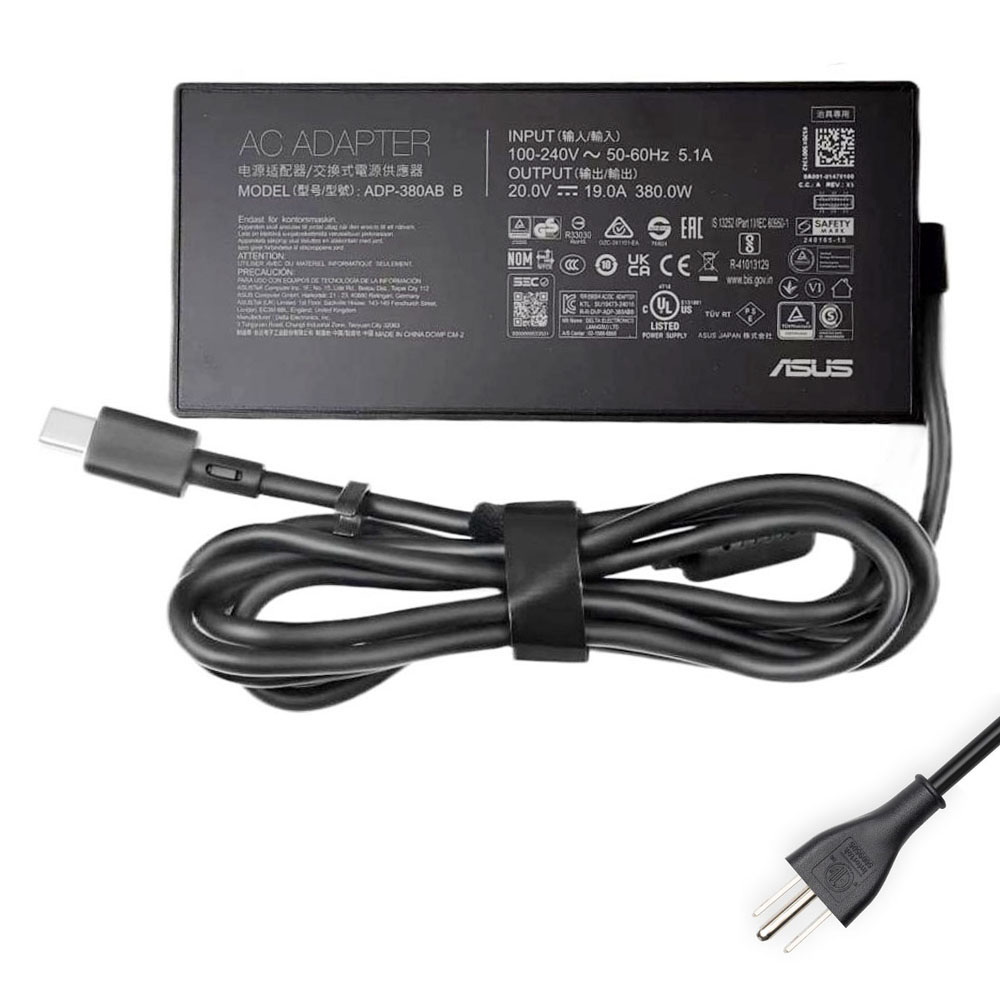
20V 19A (380W) — Rectangle
Maximum overhead for extreme configurations.
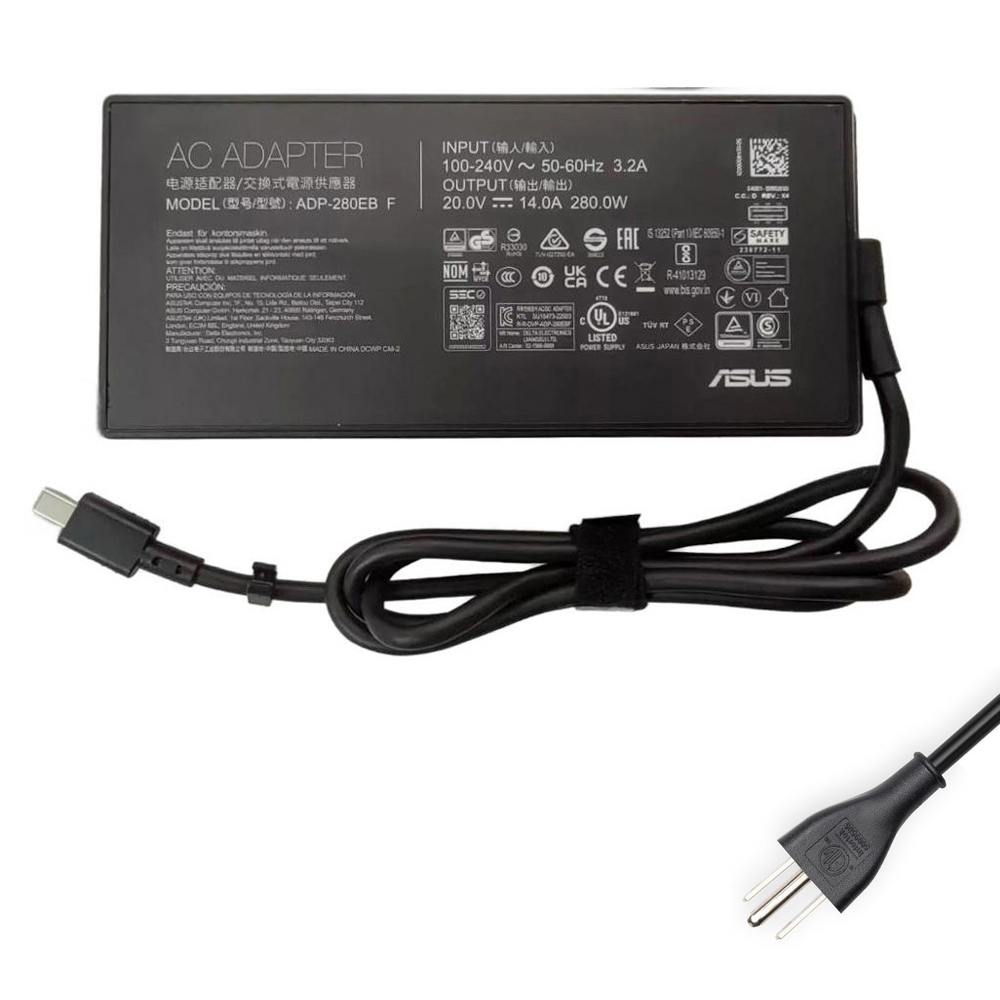
20V 14A (280W) — Rectangle
Strong sustained power for heavy CPU+GPU loads.
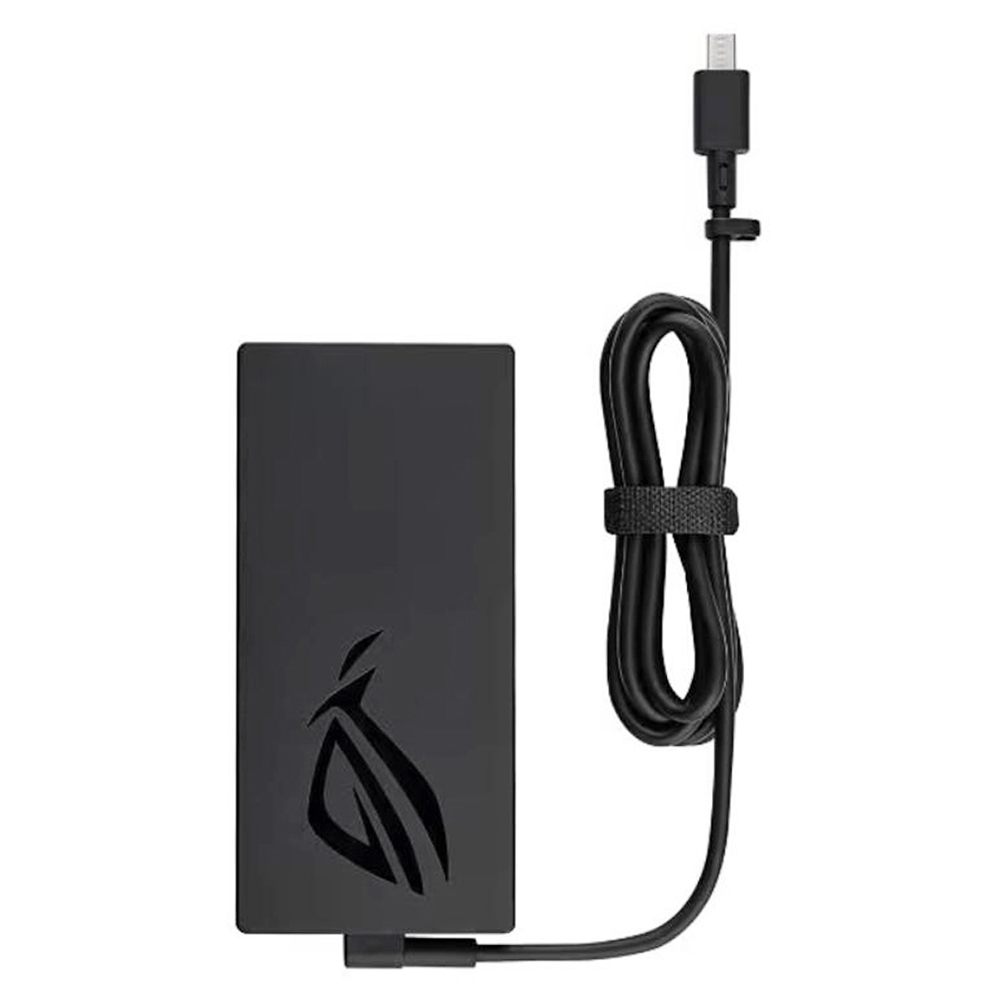
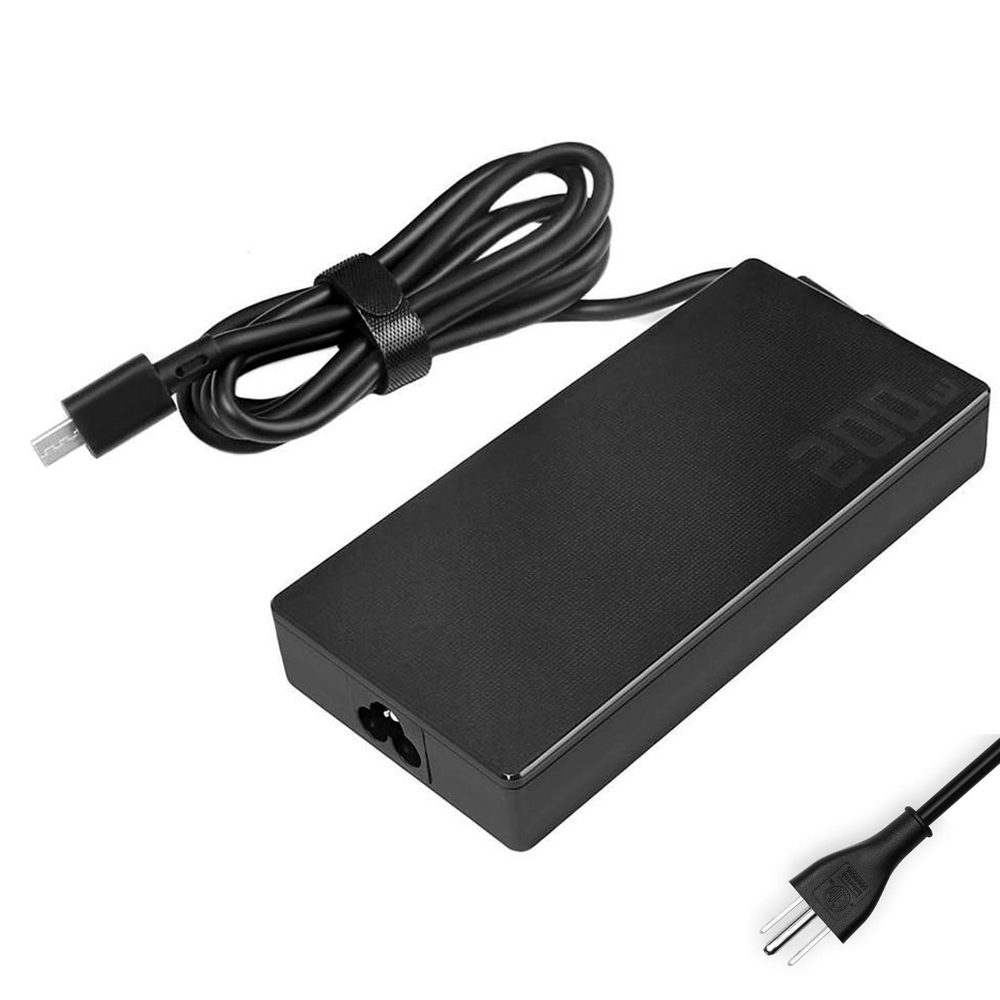
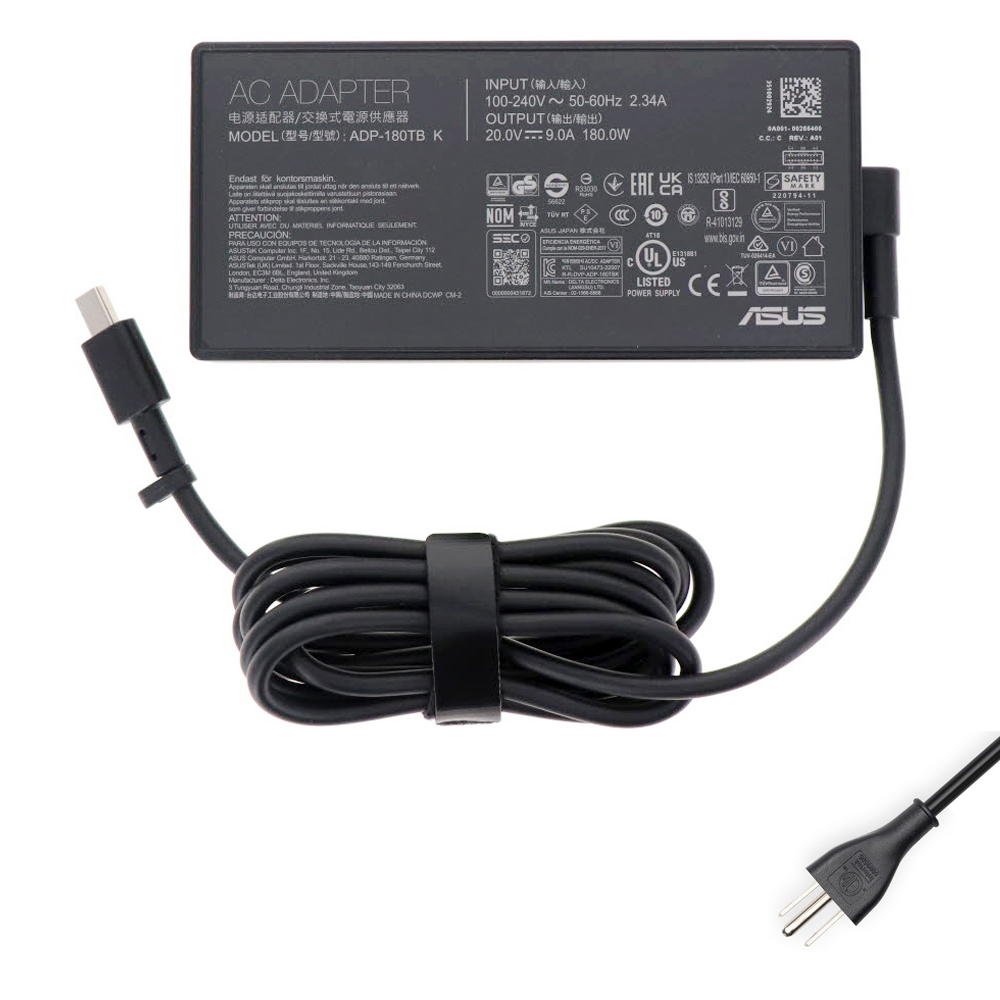
2026 Picks — ASUS 6.0mm × 3.7mm High-Wattage Adapters
Use this section if your laptop uses a 6.0×3.7mm barrel connector. Match voltage and choose wattage based on your original adapter label.
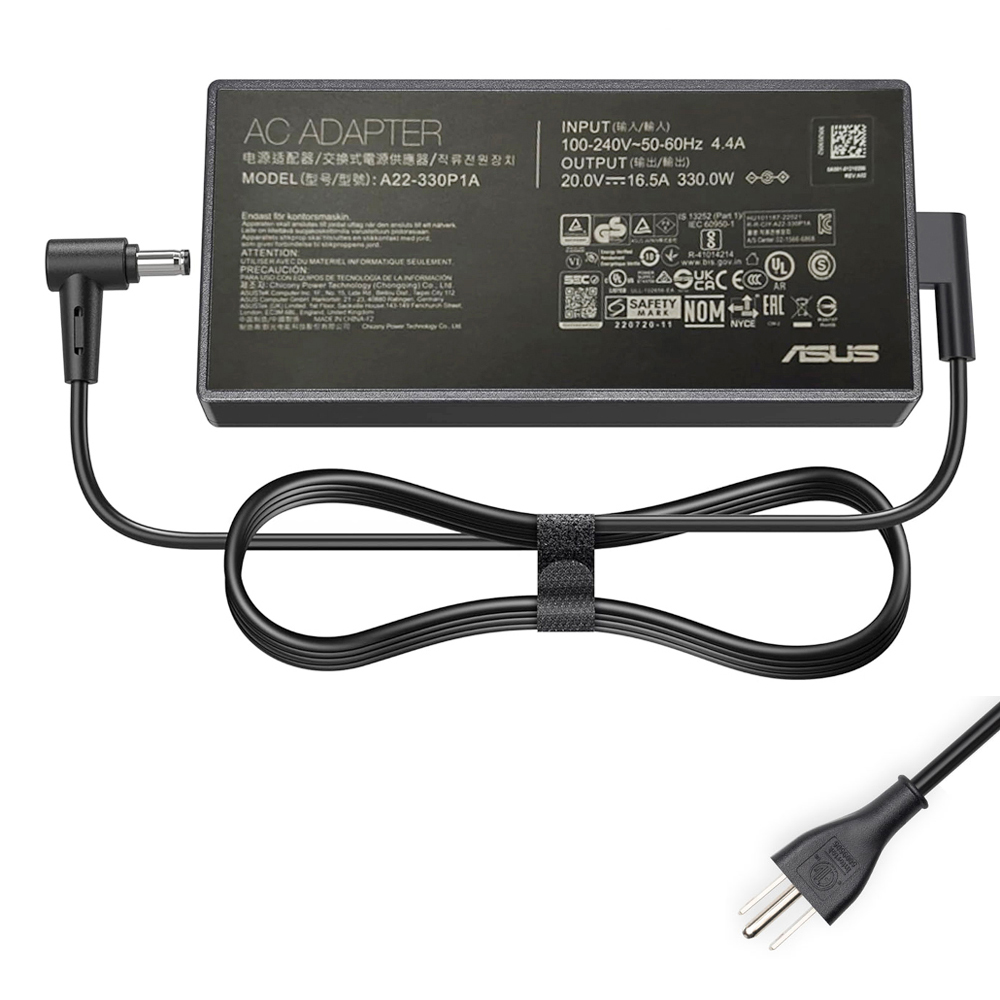
20V 16.5A (330W) — 6.0×3.7mm
Flagship-level power headroom for demanding loads.
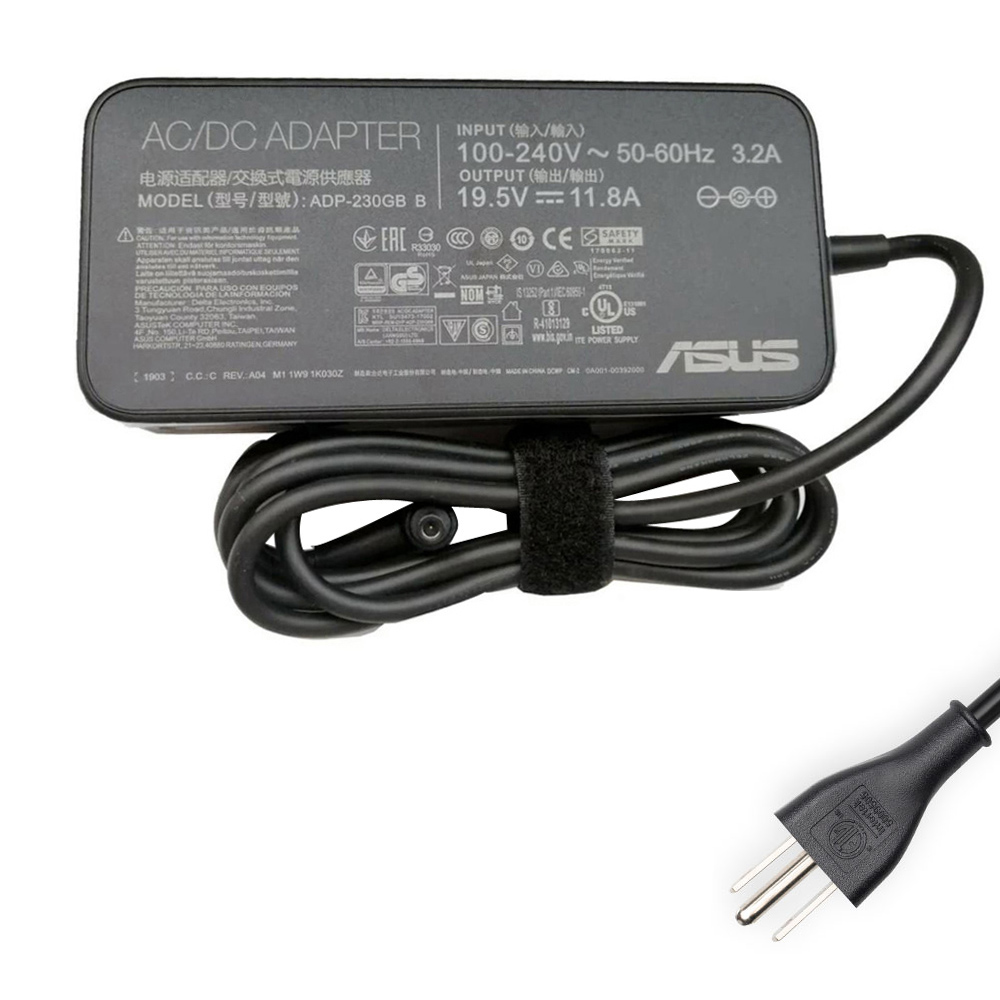
19.5V 11.8A (230W) — 6.0×3.7mm
A popular high-performance spec for ROG/TUF-class laptops.
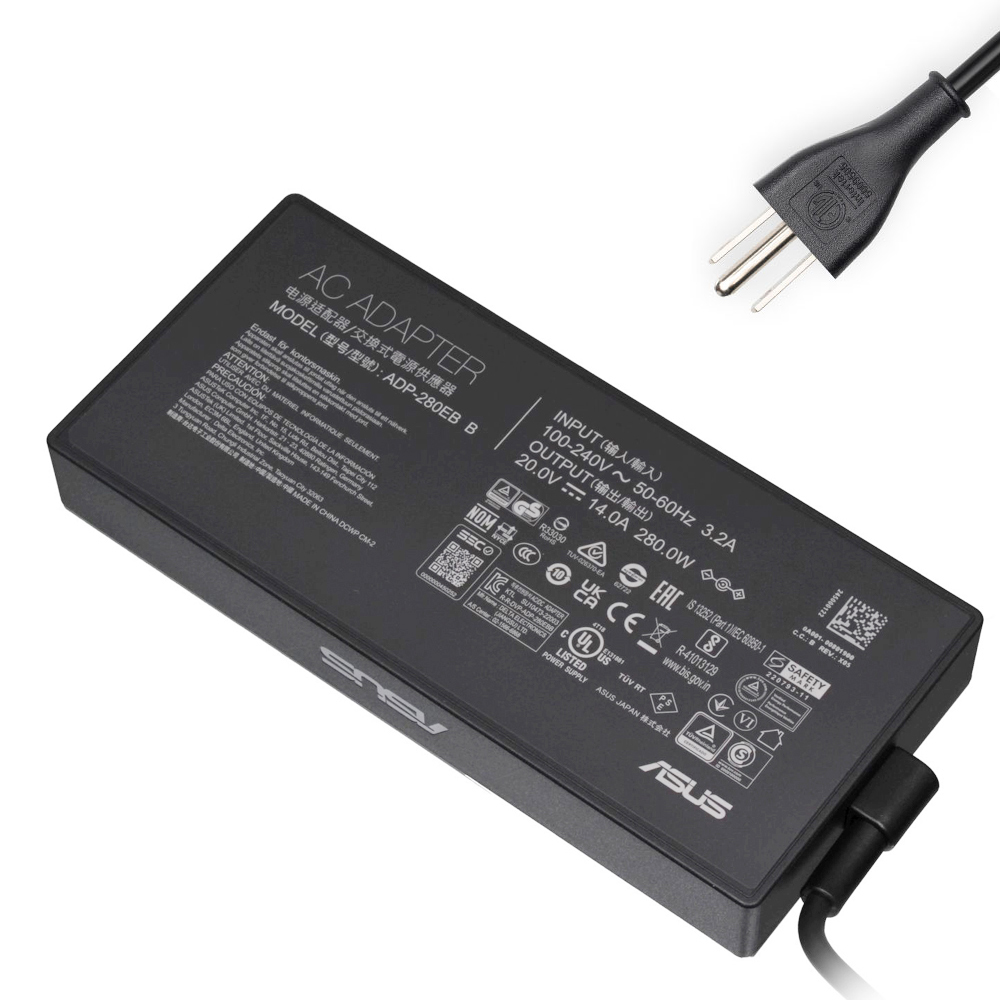
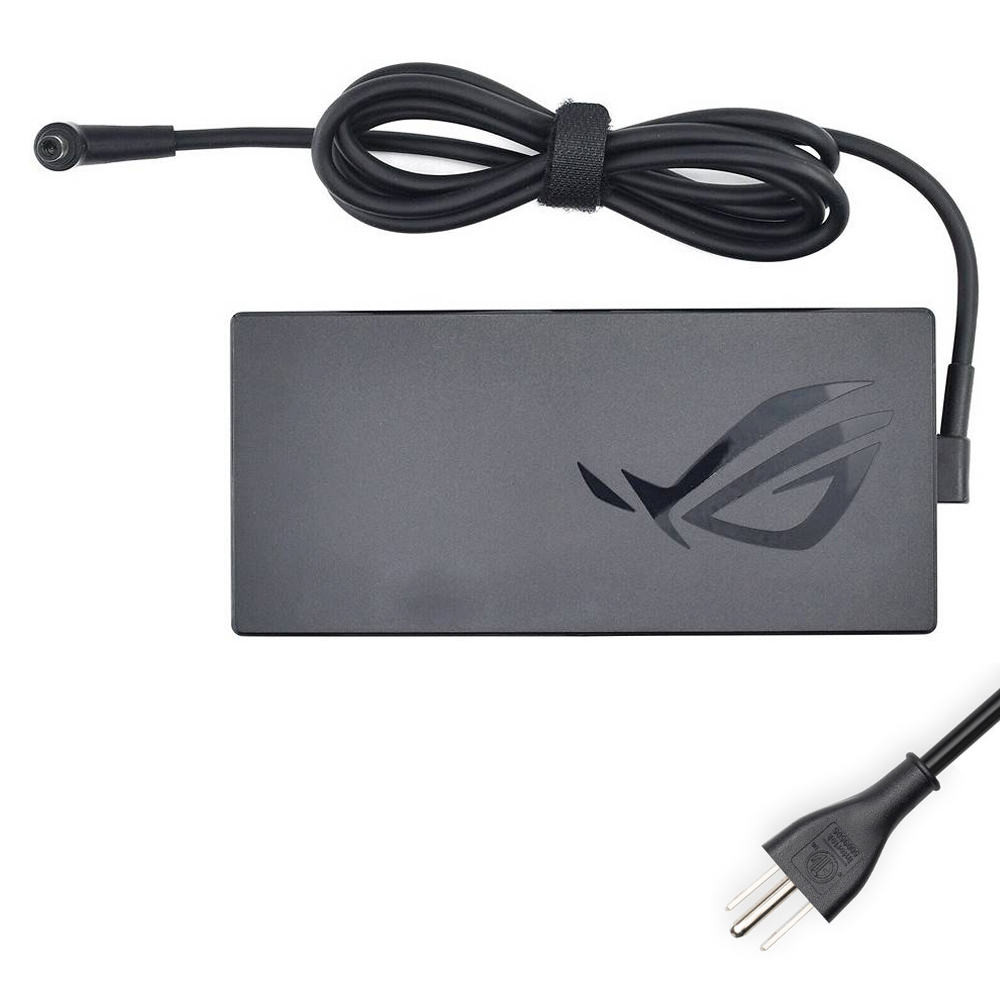
20V 12A (240W) — 6.0×3.7mm
A strong all-round high-wattage choice when your original is 240W.
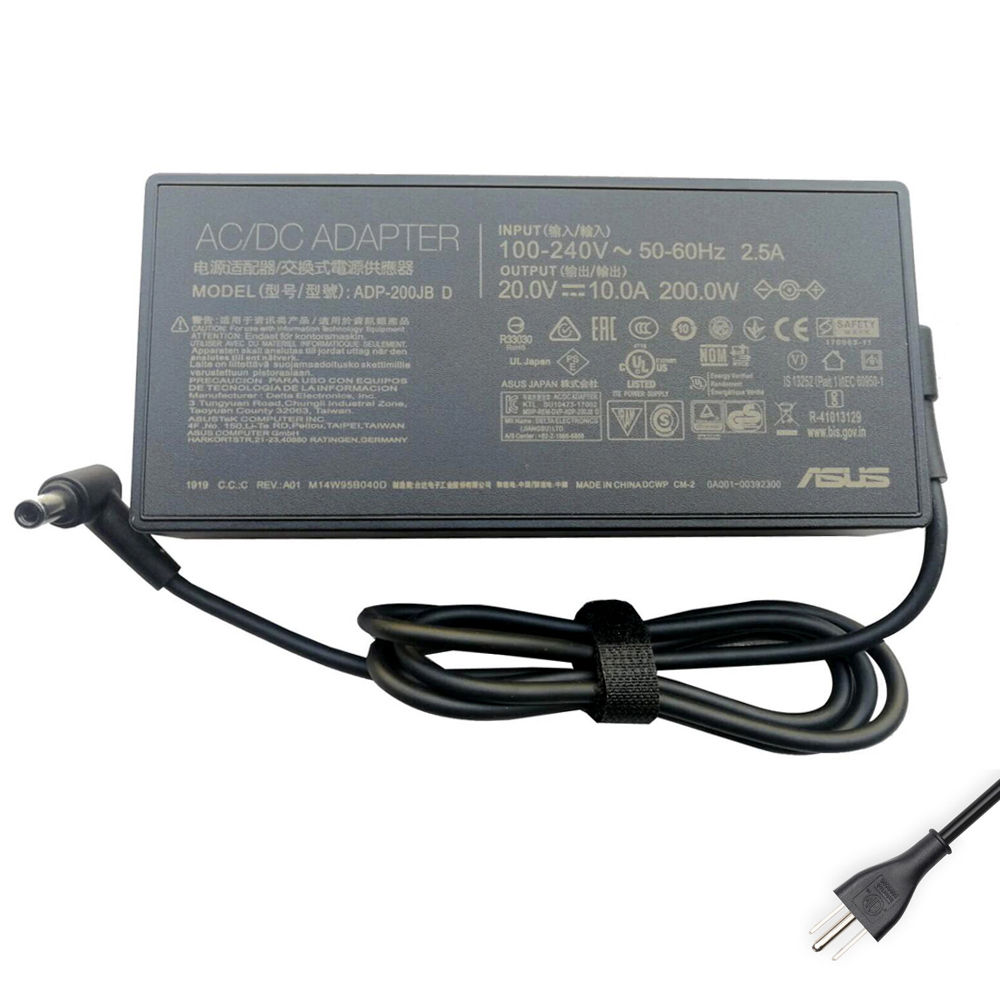
20V 10A (200W) — 6.0×3.7mm
Good match for laptops originally shipped with 200W adapters.
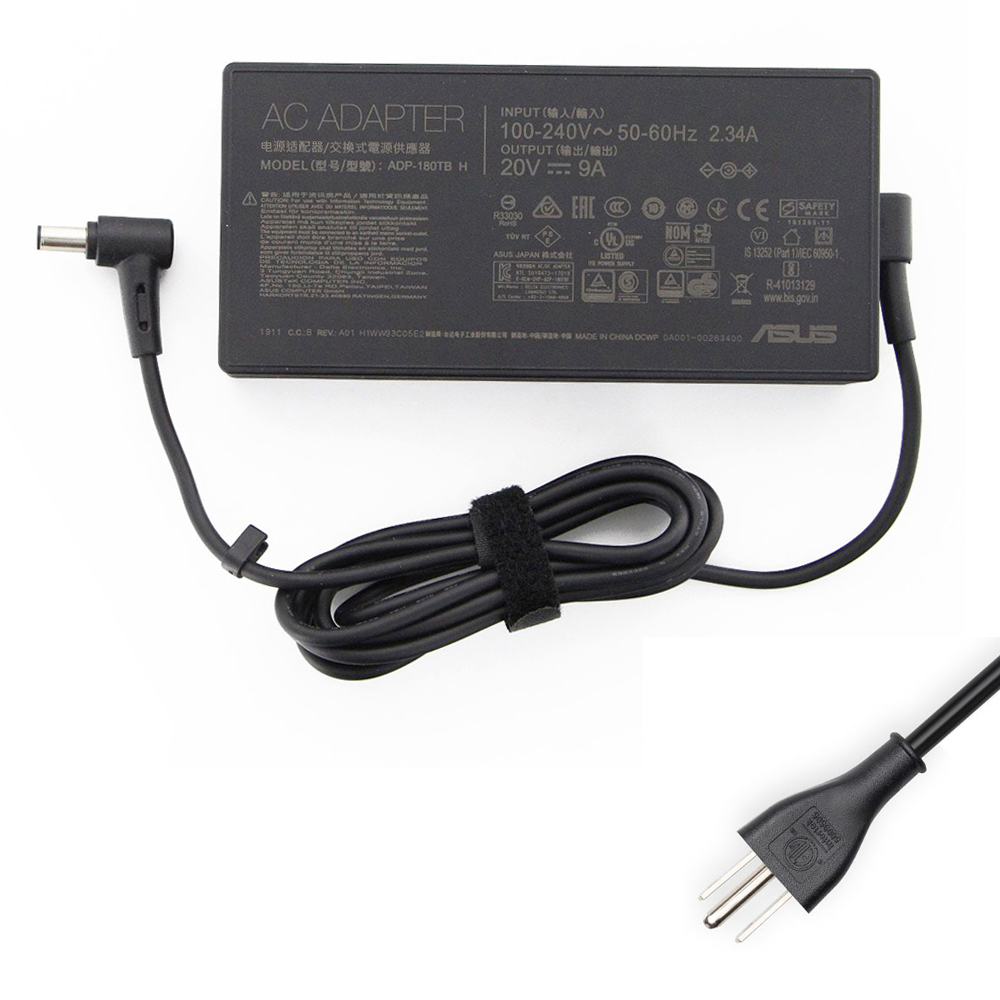
20V 9A (180W) — 6.0×3.7mm
Common 180W spec—double-check voltage and tip size.
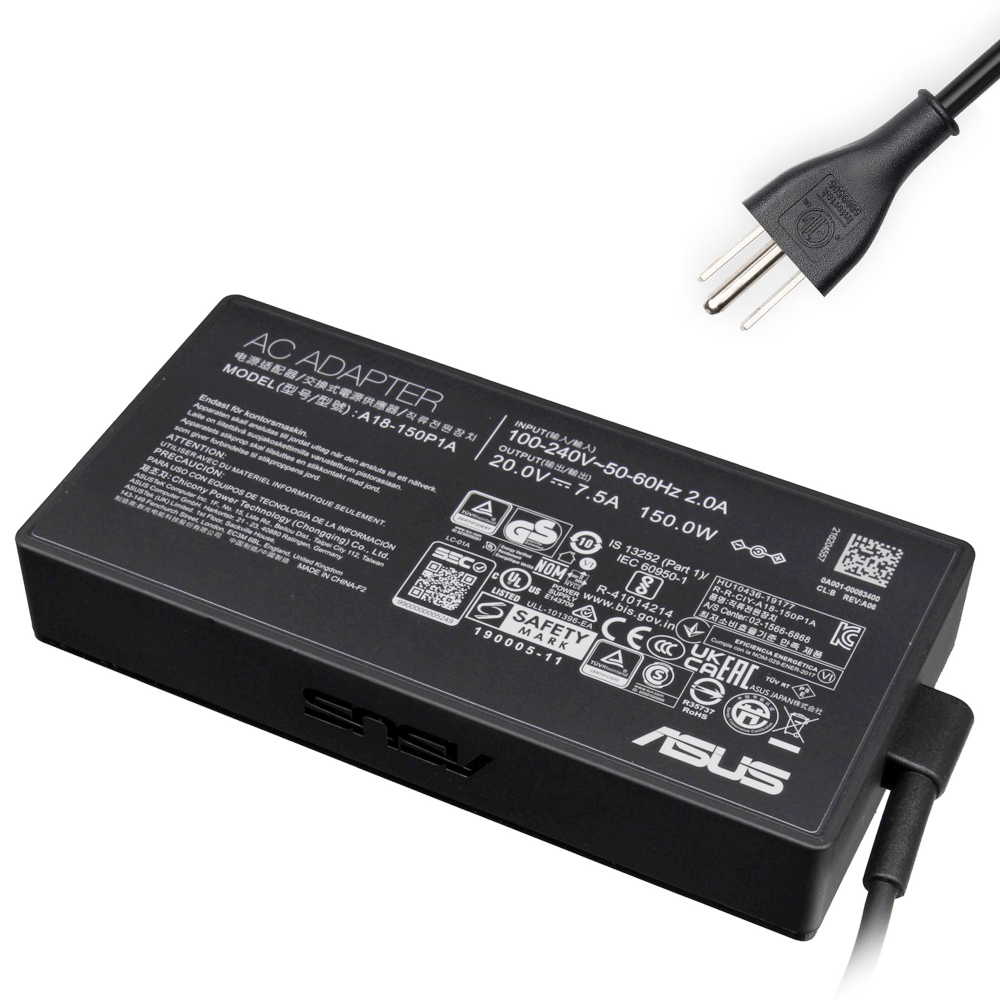
20V 7.5A (150W) — 6.0×3.7mm
Mid-range gaming power—great if your original is 150W.

19V 6.32A (120W) — 6.0×3.7mm
For systems designed around 19V 120W—do not “upgrade voltage”.
FAQ — Common ASUS ROG charger questions
Can I use a higher wattage ASUS charger than my original?
Higher wattage gives more headroom and can reduce throttling under load.
Can I use 20V on a laptop that originally used 19V or 19.5V?
If it says 19.5V, buy 19.5V. If it says 20V, buy 20V.
My adapter says “100–240V 50–60Hz”. Does that mean it will work in any country?
Output (V/A/W) and connector type still must match your laptop.
What are the warning signs my ASUS power adapter is failing?
laptop throttles on AC power, battery drains while gaming even when plugged in, or a burning/plastic smell.
Rectangle vs 6.0×3.7mm — can I convert using an adapter tip?
High current can overheat poor-quality converters and cause unstable power delivery.
- Match Output Voltage (V) exactly.
- Choose equal or higher Wattage (W).
- Confirm the exact connector family (Rectangle vs 6.0×3.7mm) using the product photos.
- Check your laptop’s full model name (bottom label) if available.