

Description
Product Information
- Item Condition: Brand New
- Color: Black
- Capacity: 4000 mAh / 64 Wh
- Output Voltage (Volts): 15.2 Volt
- Number of Cells:4 Cells
- Package Included: 1 x Battery for Dell
- Warranty: 12 Months / 30-Day Return
Compatible Part Numbers (not all):
Dell 03RR09,Dell 0JGCCT,Dell 0N9XX1,Dell 0TN70C,Dell 3RR09,Dell 4ICP5/65/70,Dell CN-03RR09,Dell CPL-N9XX1,Dell JGCCT,Dell N9XX1,Dell O3RR09,Dell OJGCCT,Dell ON9XX1,Dell OTN70C,Dell TN70C
Compatible Laptop Model Series (not all):
Dell 14 Plus (DB14250),Dell Inspiron 13 (5310),Dell Inspiron 14 (5410),Dell Inspiron 14 (5415),Dell Inspiron 14 (5420),Dell Inspiron 14 (5425),Dell Inspiron 14 (5430),Dell Inspiron 14 (5440),Dell Inspiron 14 2 in 1 (7445),Dell Inspiron 14 2in1 (5410),Dell Inspiron 14 2in1 (7415),Dell Inspiron 14 2in1 (7420),Dell Inspiron 14 2in1 (7425),Dell Inspiron 14 2in1 (7430),Dell Inspiron 14 2in1 (7435),Dell Inspiron 14 2in1 (7440),Dell Inspiron 14 Plus (7420),Dell Inspiron 14 Plus (7430),Dell Inspiron 14 Plus (7440),Dell Inspiron 15 (3510),Dell Inspiron 15 (3511),Dell Inspiron 15 (3515),Dell Inspiron 15 (3521),Dell Inspiron 15 (3525),Dell Inspiron 15 (3530),Dell Inspiron 15 (5515),Dell Inspiron 15 (D7RT9),Dell Inspiron 16 (5620),Dell Inspiron 16 (5625),Dell Inspiron 16 (5630),Dell Inspiron 16 (5635),Dell Inspiron 16 (5640),Dell Inspiron 16 (5645),Dell Inspiron 16 (7640),Dell Inspiron 16 2in1 (7620),Dell Inspiron 16 2in1 (7630),Dell Inspiron 16 2in1 (7635),Dell Inspiron 16 2in1 (7640),Dell Inspiron 16 Plus (7640),Dell Latitude 13 (3320),Dell Latitude 14 (3420),Dell Latitude 15 (3520),Dell Vostro 13 (5310),Dell Vostro 13 (5320),Dell Vostro 14 (3420),Dell Vostro 14 (5410),Dell Vostro 15 (3510),Dell Vostro 15 (3515),Dell Vostro 15 (3530),Dell Vostro 15 (5510),Dell Vostro 16 (5620),Dell Vostro 16 (5625),Dell Vostro 16 (5630)
64Wh TN70C Battery for Dell Inspiron, Latitude & Vostro
Unlock the peak mobility of your Dell laptop with the TN70C (64Wh) premium replacement battery. This high-performance 4-cell battery is engineered for an extensive range of modern Dell families, including the latest Inspiron 14/15/16 Plus, Vostro 5000, and Latitude 3000 workstations. It is the perfect upgrade or replacement for users requiring reliable, long-lasting power for today’s high-demand processors.
Technical Specifications
| Part Number | TN70C / JGCCT / N9XX1 / 3RR09 / 0TN70C |
| Voltage | 15.2 Volts |
| Capacity | 4000 mAh / 64 Wh |
| Cell Configuration | 4-Cell Grade-A Li-Polymer |
| Condition | Brand New |
| Warranty | 12 Months / 30-Day Return |
Extensive Device Compatibility
This high-capacity battery fits hundreds of modern Dell configurations:
Inspiron & Inspiron Plus Series:
- Inspiron 14 Plus (7420/7430/7440)
- Inspiron 16 Plus (7640)
- Inspiron 14 (5410/5420/5430/5440)
- Inspiron 15 (3511/3525/3530/5515)
- Inspiron 16 (5620/5630/5645)
- Inspiron 14/16 2-in-1 (7430/7630/7640)
Latitude & Vostro Professional Series:
- Latitude 14 (3420)
- Latitude 15 (3520)
- Vostro 13 (5310/5320)
- Vostro 14 (3420/5410)
- Vostro 15 (3510/3520/5510)
- Vostro 16 (5620/5630)
Why Choose the TN70C 64Wh Battery?
- Optimized 15.2V Power Rail: Specifically balanced for high-performance processors, preventing thermal throttling or power dips during intensive tasks.
- Native System Compatibility: Fully supports Dell SupportAssist, BIOS diagnostics, and original ExpressCharge™ features for seamless operation.
- Long-Life High-Density Cells: Features premium lithium-polymer cells designed for 500+ deep charge cycles without significant capacity loss.
- Advanced Safety BMS: Integrated protection circuits prevent over-charging, short-circuits, and overheating to safeguard your laptop’s motherboard.
Frequently Asked Questions
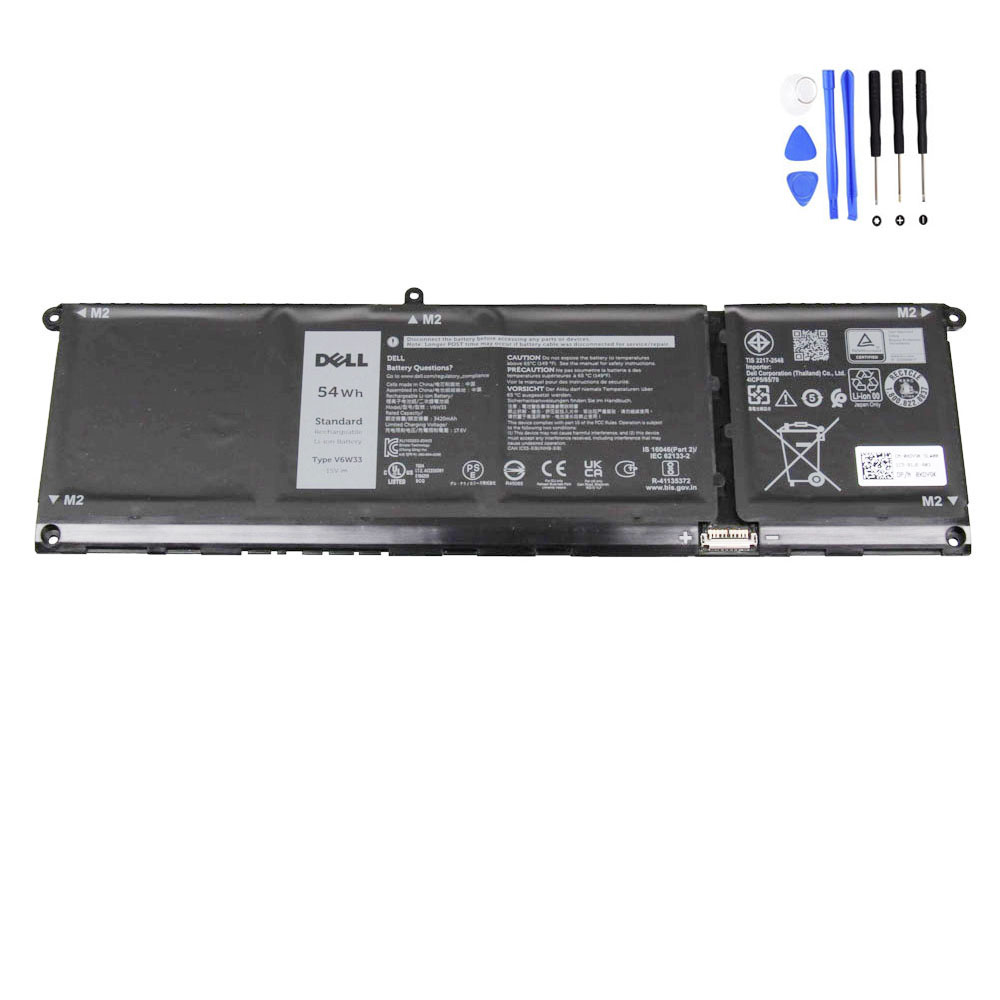
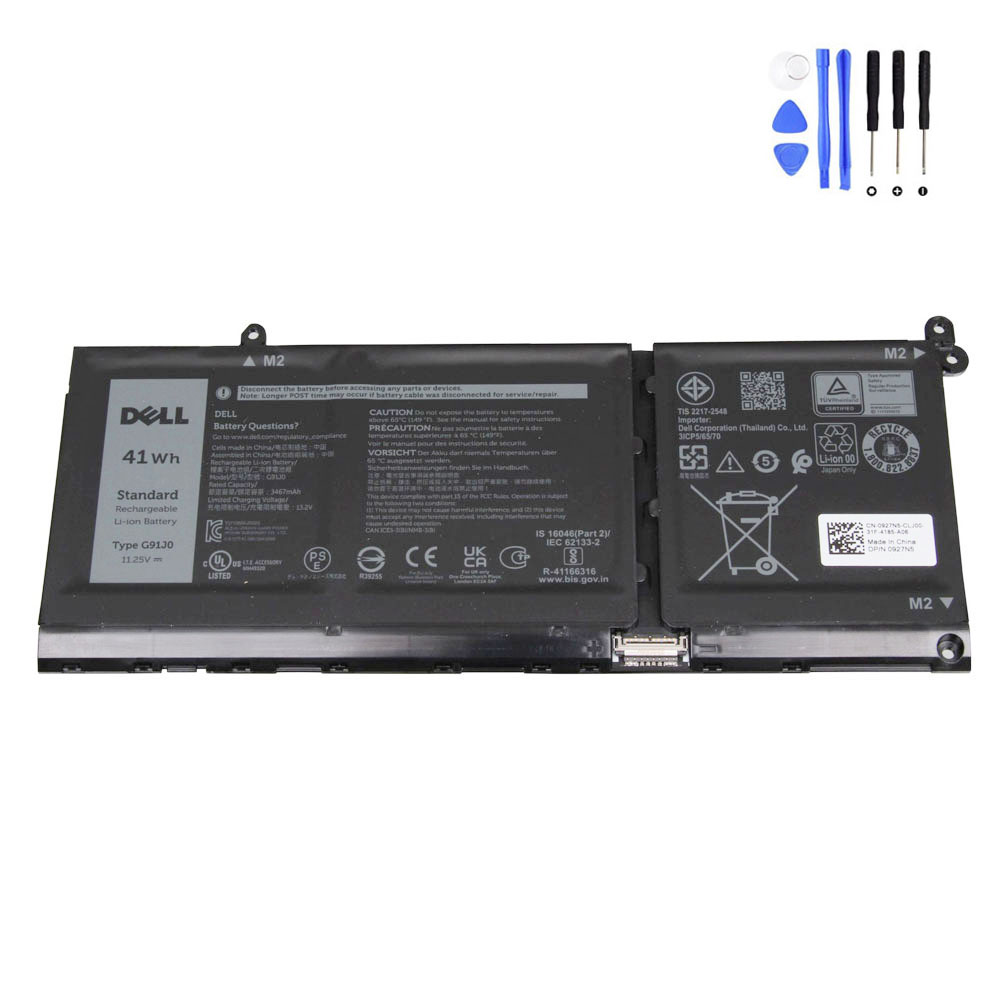
Q: Can this replace the 54Wh or 41Wh version?
A: Yes. The 64Wh TN70C is often the high-capacity optional upgrade for models that originally shipped with smaller batteries. As long as your model is listed and your original battery has a similar shape/connector, this will provide longer runtime.
Q: Is it difficult to install?
A: This is an internal battery. To install, simply remove the bottom cover of your laptop. It is a user-serviceable task that usually takes about 10 minutes with a standard screwdriver.


Reviews
There are no reviews yet