

Description
Product Information
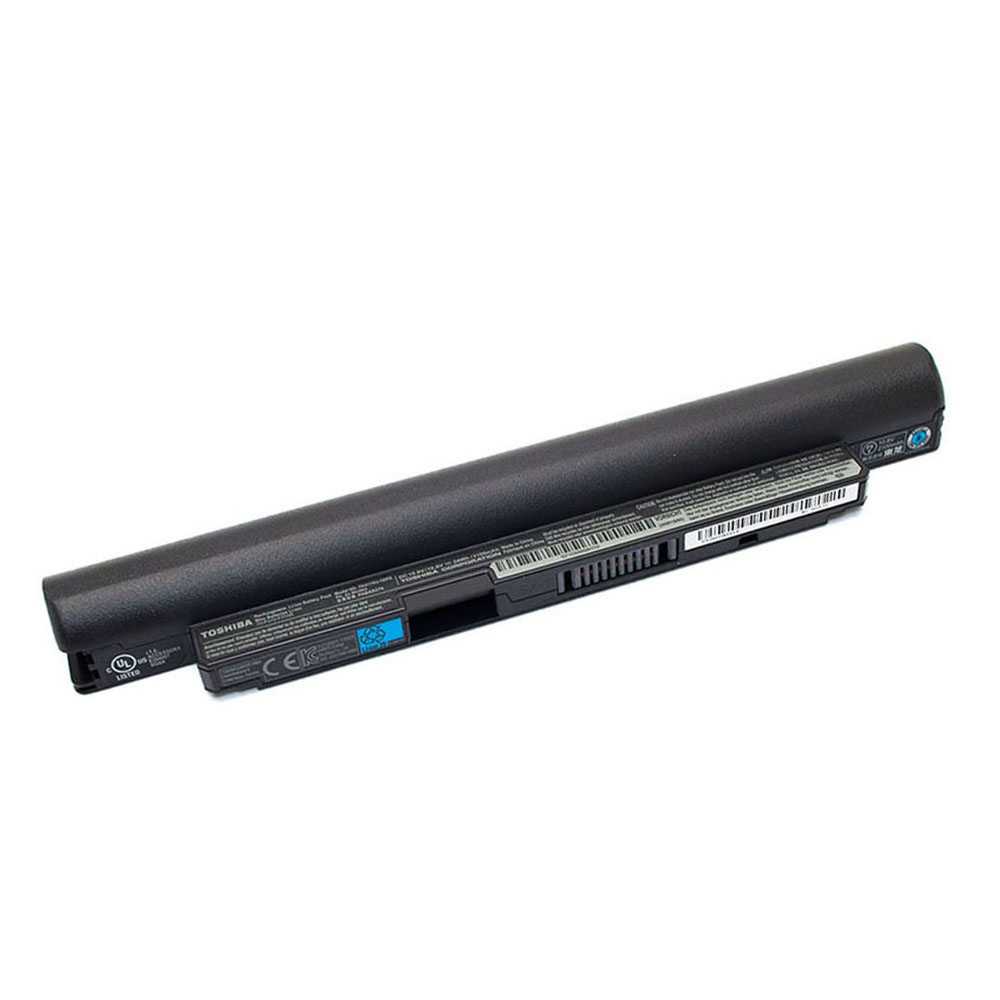
- Item Condition: Brand New
- Color: Black
- Capacity: 3060 mAh / 47 Wh
- Output Voltage (Volts): 14.8 Volts
- Number of Cells: 8 Cells
- Package Included: 1 x Battery for Toshiba
- Warranty: 12 Months / 30-Day Return
Compatible Part Numbers (not all):
Toshiba 4UF484462S2-B001A,Toshiba G71C000CH310,Toshiba G71C000CHF10,Toshiba P000552590,Toshiba P000613950,Toshiba P000697140,Toshiba PA5013U-1BRS
Compatible Model Series (partial list):
Toshiba Portege Z830,Toshiba Portege Z930,Toshiba Satellite Z830,Toshiba Satellite Z930
Precision Replacement Battery for Toshiba Portege Z830 & Z930
Restore the long-lasting portability of your ultrabook with this PA5013U-1BRS replacement battery. Specifically engineered for the ultra-slim chassis of the Toshiba Portege and Satellite Z830/Z930 series, this 47Wh battery ensures stable voltage and a perfect structural fit for your high-performance device.
Technical Specifications
| Model Number | PA5013U-1BRS |
| Voltage | 14.8 Volts |
| Capacity | 3060 mAh / 47 Wh |
| Battery Type | Lithium-ion |
| Warranty | 12 Months / 30-Day Return |
Compatibility Checker
To ensure a correct fit, please verify that your original battery code or laptop series is listed below.
Compatible Part Numbers:
PA5013U-1BRS | P000552590 | P000613950 | P000697140 | G71C000CH310 | G71C000CHF10 | 4UF484462S2-B001A
Fits Laptop Models:
- Toshiba Portege Z830
- Toshiba Portege Z835
- Toshiba Portege Z930
- Toshiba Portege Z935
- Toshiba Satellite Z830
- Toshiba Satellite Z930
Maintenance & Optimization
- Initial Setup: For a new battery, it is recommended to charge to 100%, then discharge to 10% for the first 2-3 cycles to calibrate the system power gauge.
- Internal Fit: This is an internal battery. Ensure the connector cable is firmly seated during installation to avoid detection issues.
- Thermal Safety: Built-in safety circuits protect against over-charging, over-discharging, and short circuits.
Frequently Asked Questions
Q: Is it difficult to replace the battery in the Portege Z830/Z930?
A: Since these are ultrabooks, the battery is internal. You will need a small Phillips screwdriver to remove the bottom casing. Most users can complete the replacement in 10-15 minutes.
Q: Why does the new battery show “Plugged in, not charging”?
A: This is common with internal battery replacements. Try updating your BIOS or performing a “Battery Reset” by disconnecting the battery, holding the power button for 30 seconds, and then reconnecting.
Q: Is this 47Wh battery the same as my original one?
A: Yes, 47Wh is the standard energy rating for the PA5013U-1BRS series used in the Z830 and Z930 chassis, providing reliable runtime for mobile use.


Reviews
There are no reviews yet