
Description
Product Information
- Item Condition: Brand New
- Color: Black
- Capacity:3960 mAh / 45 Wh
- Output Voltage (Volts): 11.4 Volts
- Number of Cells:3 Cells
- Package Included: 1 x Battery for Medion
- Warranty: 12 Months / 30-Day Return
Compatible Part Numbers (not all):
Medion 40060402
Medion 1510-21HC000
Medion A31-F13…
Compatible Model Series (partial list):
Medion Akoya S3409
Pegatron F13K …
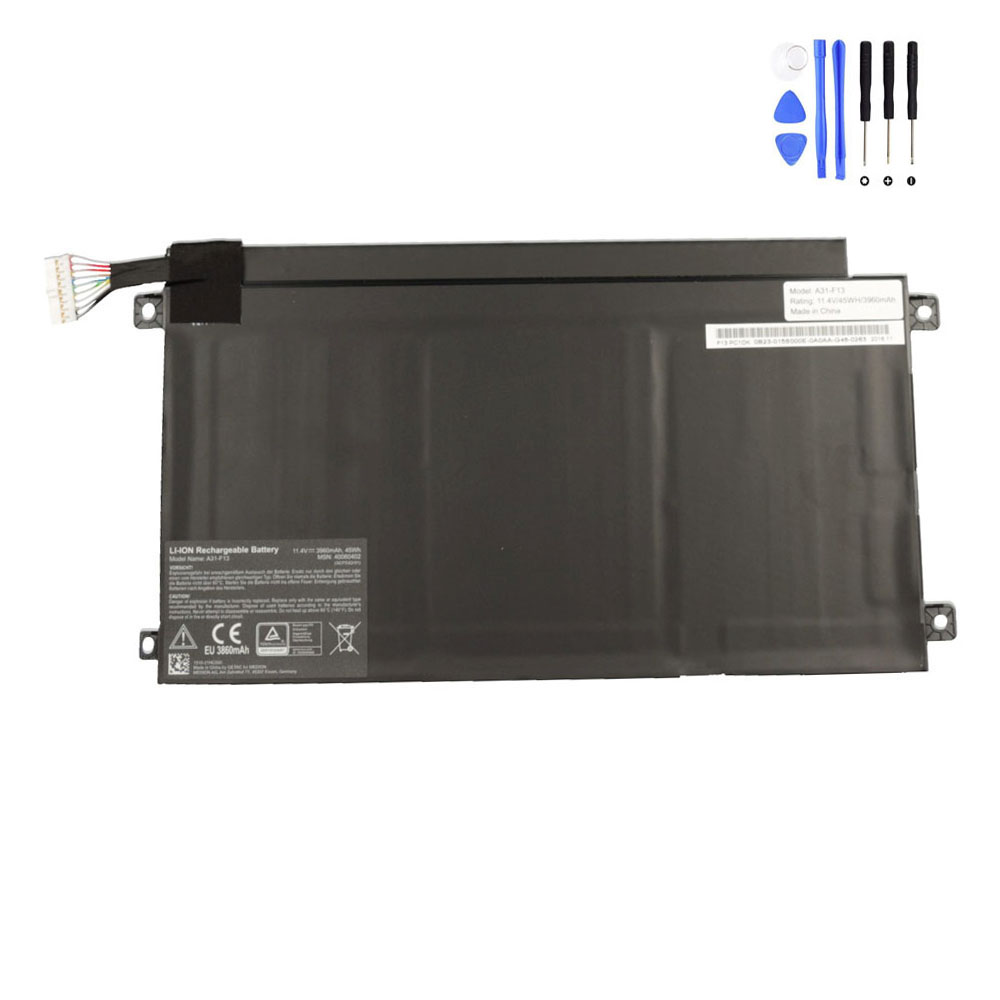
Premium 45Wh A31-F13 Battery for Medion Akoya S3409
Return your laptop to its peak portability with the A31-F13 high-quality replacement battery. Specifically engineered for the ultra-slim Medion Akoya S3409 series, this 11.4V battery utilizes premium lithium-polymer cells. Designed to match the precise internal layout of the Pegatron F13K chassis, it provides a stable and safe energy source for your daily productivity and mobile entertainment.
Technical Specifications
| Part Number | A31-F13 / 40060402 / 1510-21HC000 |
| Voltage | 11.4 Volts |
| Capacity | 3960 mAh / 45 Wh |
| Cell Type | 3-Cell High-Grade Li-Polymer |
| Condition | Brand New |
| Warranty | 12 Months / 30-Day Return |
Verified Device Compatibility
Optimized for Medion Akoya laptops using the Pegatron F13 system architecture:
Compatible Series:
- Medion Akoya S3409 Series
- Pegatron F13K Series Chassis
- Fits Part Number: 40060402
- Fits Part Number: 1510-21HC000
Why Choose This A31-F13 Replacement?
- Original Integration: Built-in intelligent protection circuit ensures full recognition by Windows and Medion’s power management firmware.
- Ultra-Thin Geometry: Precision-molded casing matches the slim profile of the S3409, ensuring a safe fit without straining the laptop’s internal components.
- Premium Li-Polymer Cells: High energy density cells maintain the 45Wh performance over hundreds of charging cycles.
- Multi-Layer Safety: Integrated guards against over-charging, overheating, and short-circuits provide complete peace of mind.
Frequently Asked Questions
Q: Is this battery easy to install in my Akoya S3409?
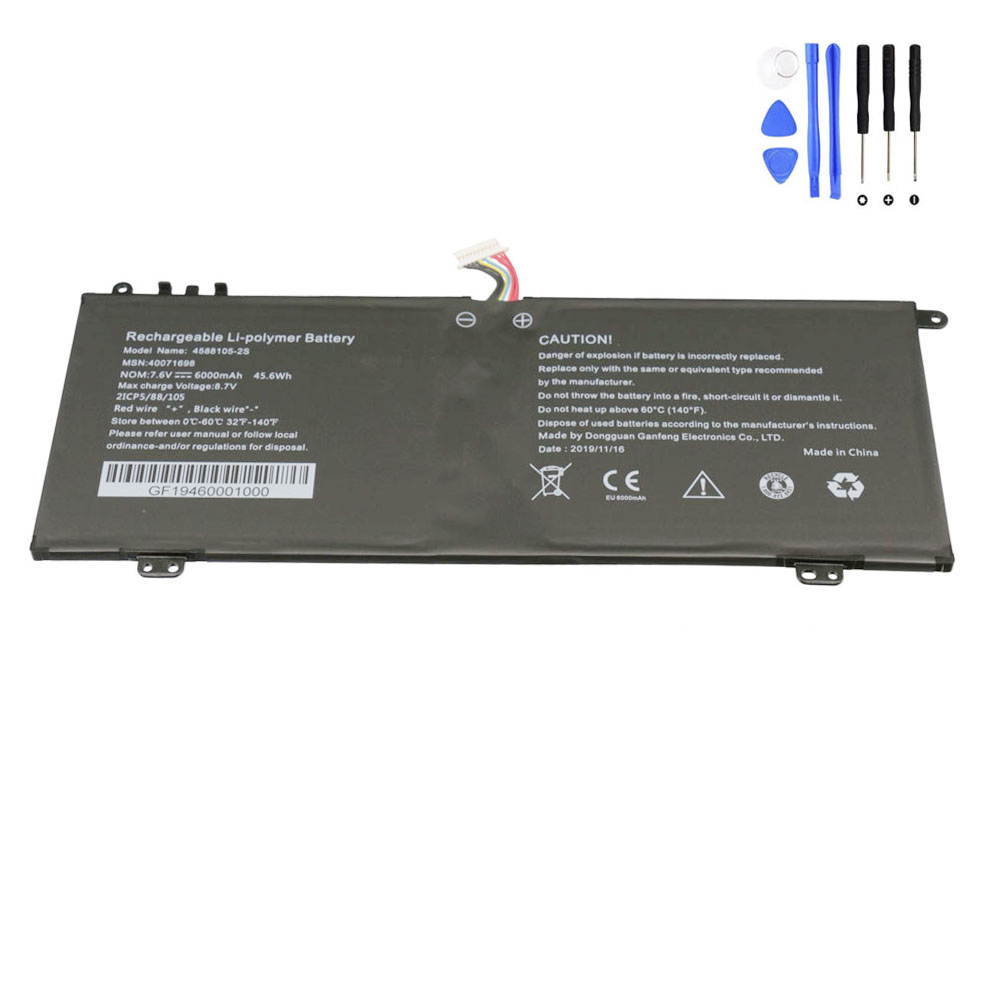
A: This is an internal battery. Replacing it requires unscrewing the bottom panel of the laptop. We recommend using a small precision screwdriver set and careful handling of the battery connector.
Q: How can I identify the correct battery for my device?
A: Check the original battery label for the part number “A31-F13” or search for your laptop model “S3409” on the back cover sticker.
Reviews
There are no reviews yet