
Description
Product Information
- Item Condition: New
- Color: Black
- Capacity: 6060 mAh / 45 Wh
- Output Voltage (Volts): 7.5 Volt
- Number of cells:4 Cells
- Package included:1 x Acer Battery
- Warranty: 12 Months / 30-Day Return
- Compatible part number (not all):
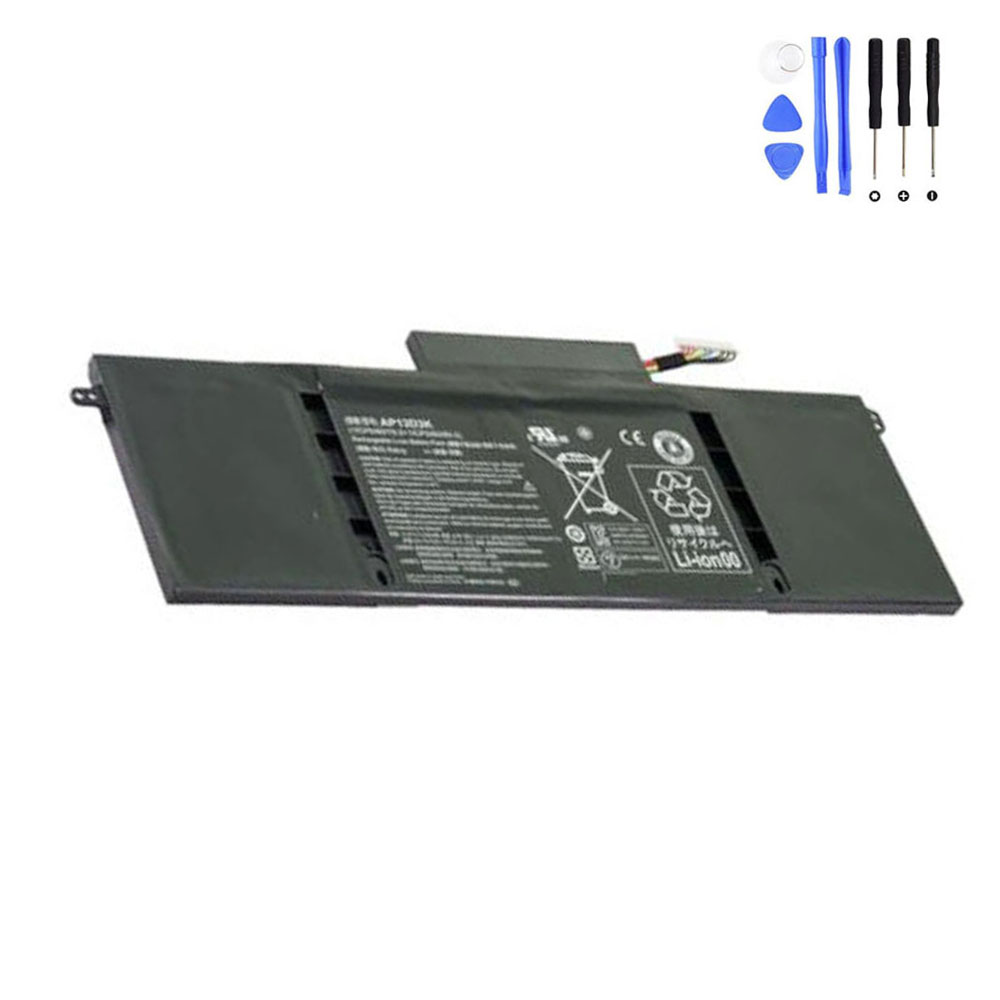
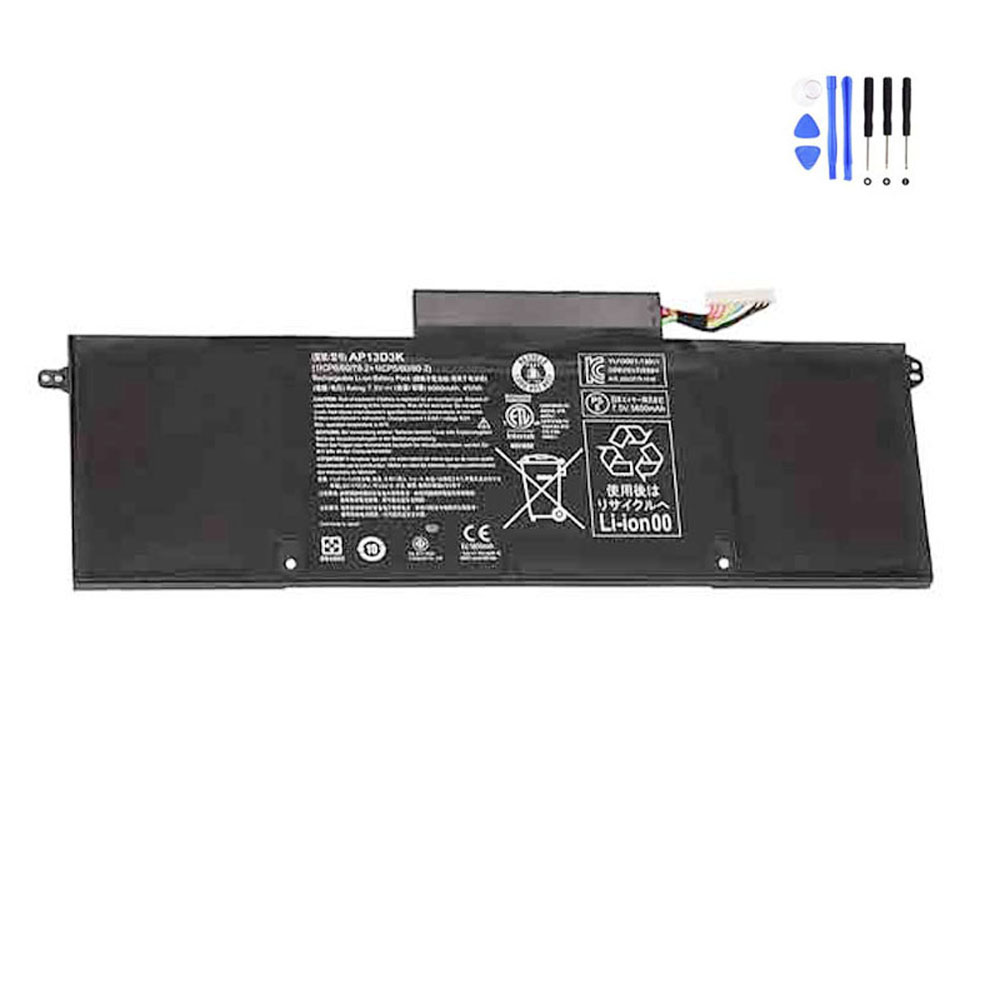
Acer AP13D3K
Acer 1ICP6/60/78-2
Acer KT00403016
… - Compatible computer model series (not all):
Acer Aspire S3-392 Serie
Acer Aspire S3-392G Serie
Premium AP13D3K Replacement Battery for Acer Aspire S3-392 Ultrabook Series
Reclaim the portable freedom of your Acer Aspire S3-392 with our high-grade AP13D3K replacement battery. Specifically designed for the slim profile of the Aspire S3-392 and S3-392G series, this 45Wh power pack delivers consistent energy and reliable performance for your mobile lifestyle.
Technical Specifications:
| Battery Model: | AP13D3K / 1ICP6/60/78-2 / KT00403016 |
| Capacity: | 45Wh / 6060mAh |
| Output Voltage: | 7.5V (Fully compatible with 7.4V) |
| Cell Configuration: | 4-Cell Li-ion Polymer |
| Condition: | Brand New |
Why choose our AP13D3K battery for your Acer S3-392?
Our batteries are built with A+ grade Lithium-Polymer cells that provide up to 500+ recharge cycles without significant capacity drop. Unlike generic alternatives, we use an Intelligent Protection Circuit Board (PCM) to prevent common issues like over-heating, swelling, and voltage instability, ensuring your Ultrabook remains safe and efficient.
Complete Compatibility List:
This battery is a 100% match for the following Part Numbers:
- Acer AP13D3K
- Acer 1ICP6/60/78-2
- Acer KT00403016, KT.00403.016
Compatible Laptop Models:
- Acer Aspire S3-392 Series
- Acer Aspire S3-392G Series (Dedicated Graphics Models)
- (Fits all sub-models such as S3-392-6450, S3-392-6807, etc.)
The Fixing-Tools Advantage:
- ✅ 12-Month Replacement Warranty: We stand behind our quality.
- ✅ 30-Day Hassle-Free Returns: Shop with absolute confidence.
- ✅ Global Safety Compliance: CE/FCC/RoHS certified cells.
Professional Tip: Internal batteries for Ultrabooks require careful installation. Ensure your laptop is powered off and the internal ribbon cables are handled with care during the replacement process.



Reviews
There are no reviews yet